10 AI Brand Identity Design Tricks to Create Complete Brand Visuals from Your Logo
 Ling Zhang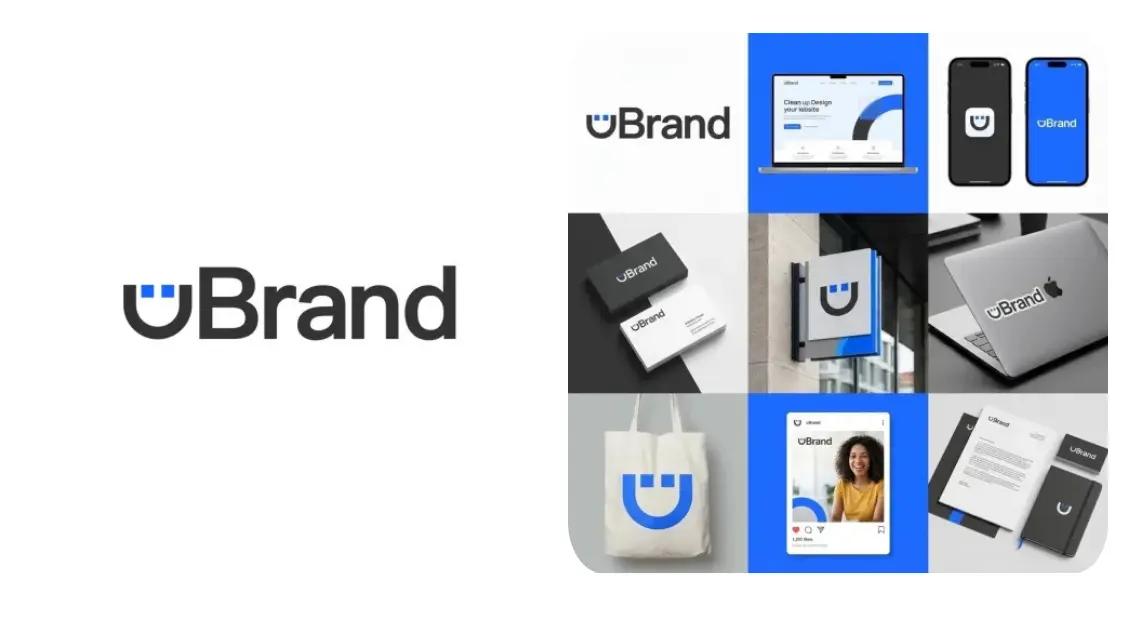
A single logo often kicks off a brand’s beginning. Truth is, even that much brings room for play. Using AI, you could create a logo in seconds and then turn your logo into whimsical renditions, bold visuals, or consistent brand snaps - all while skipping heavy design software. Uploading just your logo is enough. With uBrand, you simply upload your logo and let AI explore different looks for you - from playful online shares to striking visual ideas.
In this post, we’ll share 10 playful AI tricks that show how one logo can turn into many usable brand visuals in minutes.
1. AI Hat Mockups
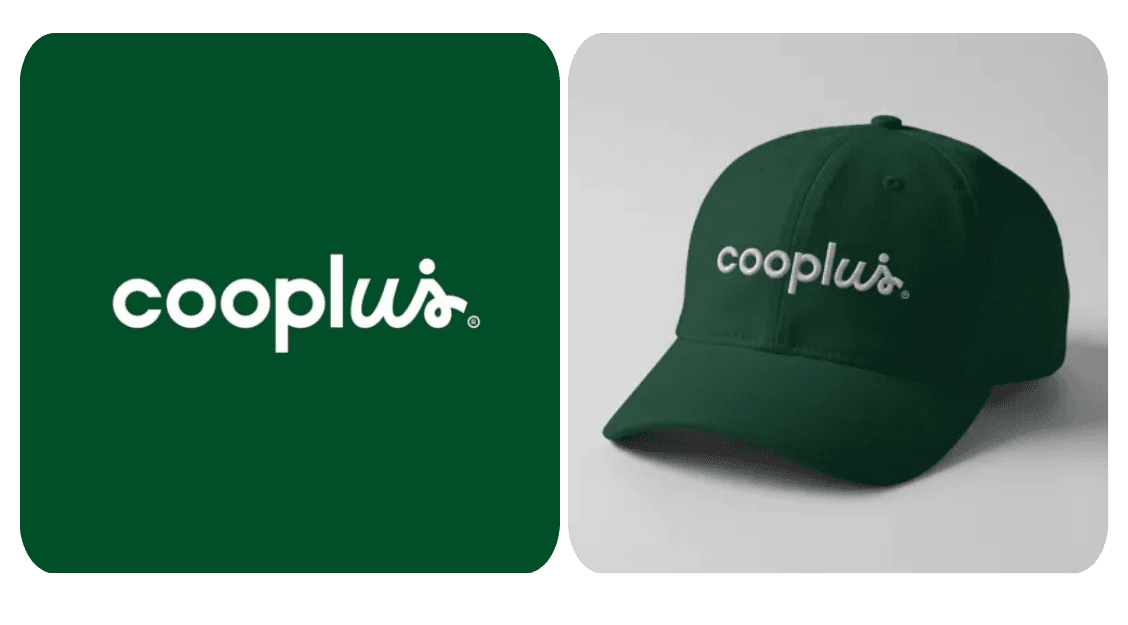
Create photorealistic branded hat mockups that automatically match your logo’s colors and style.
✅ Prompt:
Generate a realistic hat mockup matching the uploaded logo’s colors and style, with the logo clearly displayed on the front and soft lighting on a clean background.
2. AI Brand Packaging Mockup Generator
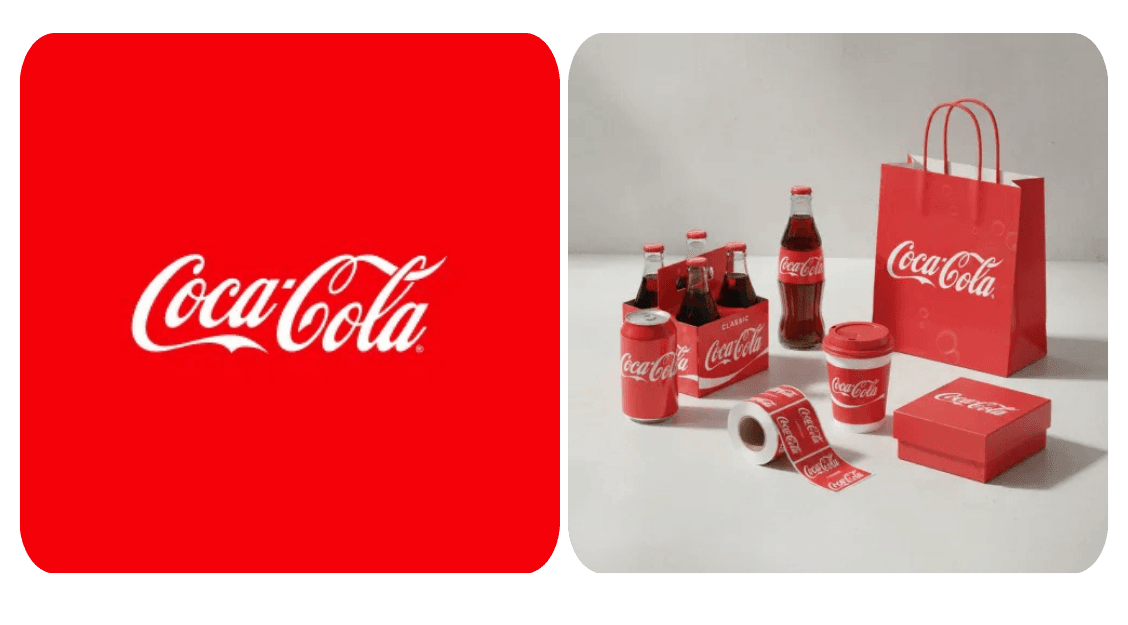
Turn your logo into stunning packaging with AI. Instantly generate branded mockups for boxes, pouches, and more.
✅ Prompt:
Generate a complete packaging mockup set tailored to the brand. Include packaging items relevant to the brand’s industry, such as product boxes, bottles, jars, paper bags, coffee cups, and labels. Design cohesively using the uploaded logo’s colors, typography, and style, ensuring the logo is consistently applied across all items. Apply realistic lighting, shadows, and textures to create a professional, visually unified, clean, and minimal presentation that reflects the brand’s identity.
3. Brand Identity Mockup Generator
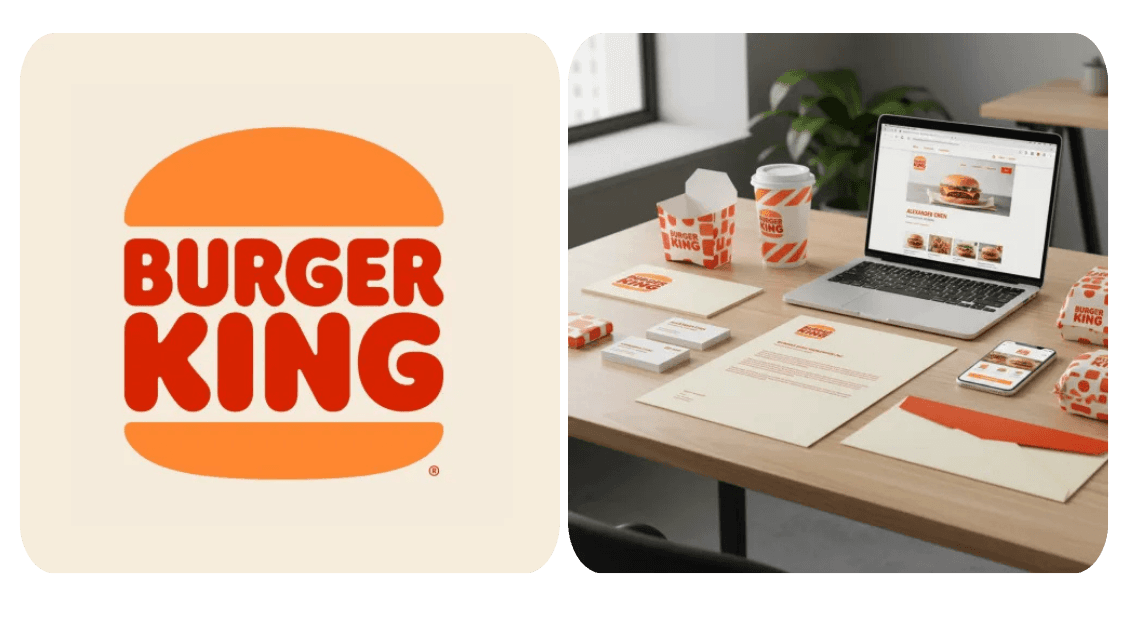
Create photorealistic flat lay mockups of your logo on various products. Minimalist, neatly arranged, with colors matching your brand.
✅ Prompt:
Generate a photorealistic brand identity mockup featuring a full set of branded items, including logo, business cards, stationery, packaging, and digital devices. Apply brand colors and logo derived from the uploaded logo consistently across all items. Display the items in an elegant, well-lit workspace or tabletop scene with realistic lighting, shadows, and reflections. Highlight the logo and brand elements clearly to convey a cohesive and professional brand identity.
4. AI-Powered Moodboard Generator
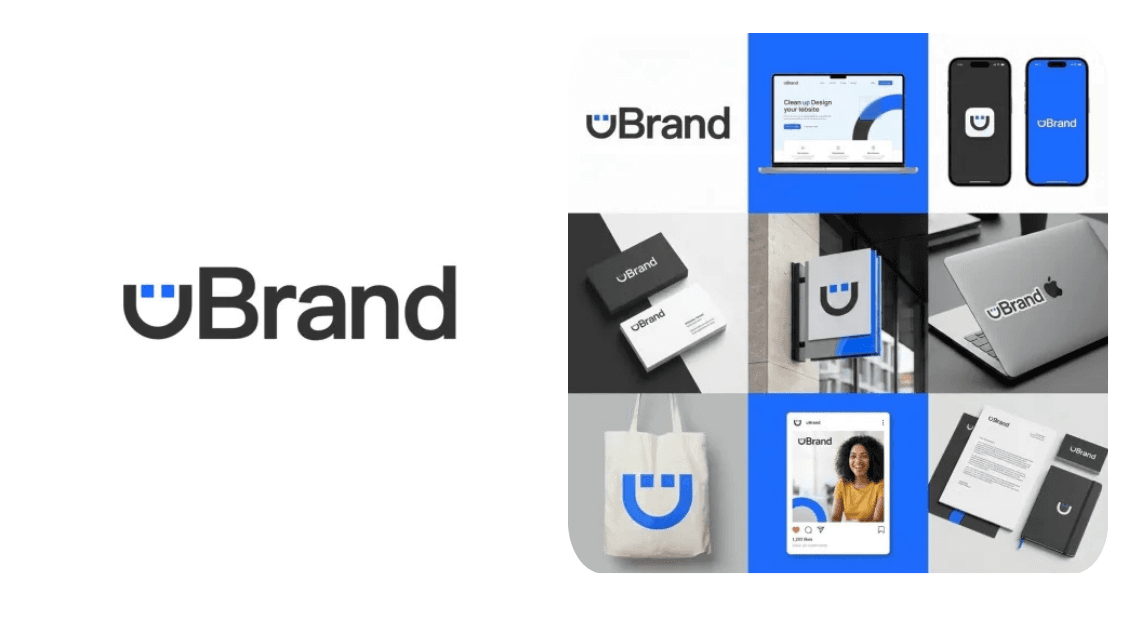
AI-powered moodboard generator for branding, visual identity, and design inspiration
✅ Prompt:
Generate a brand-specific moodboard from the uploaded logo, displayed on a square grid layout with cohesive, real-life brand applications.
5. AI Brand Guidelines Generator
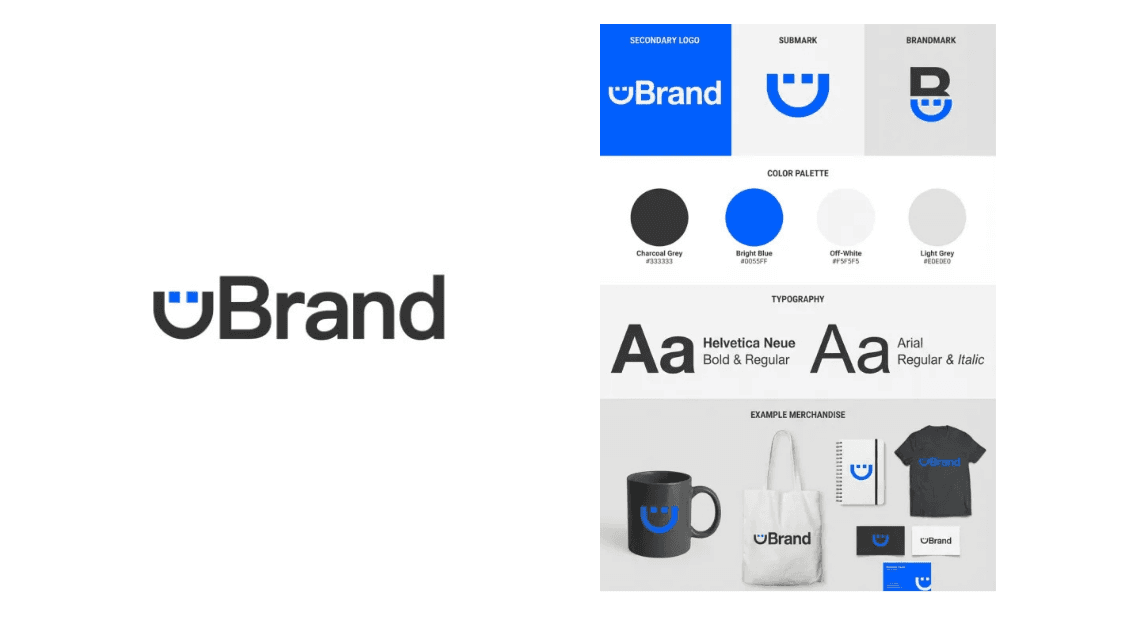
Generate clean, organized brand guidelines with your logo, colors, typography, and real-world brand applications.
✅ Prompt:
Generate a brand board from the uploaded logo, Include logo, submark, brandmark, typography, and example merchandise, with all colors matching the uploaded logo.
6. AI Neon Logo Generator
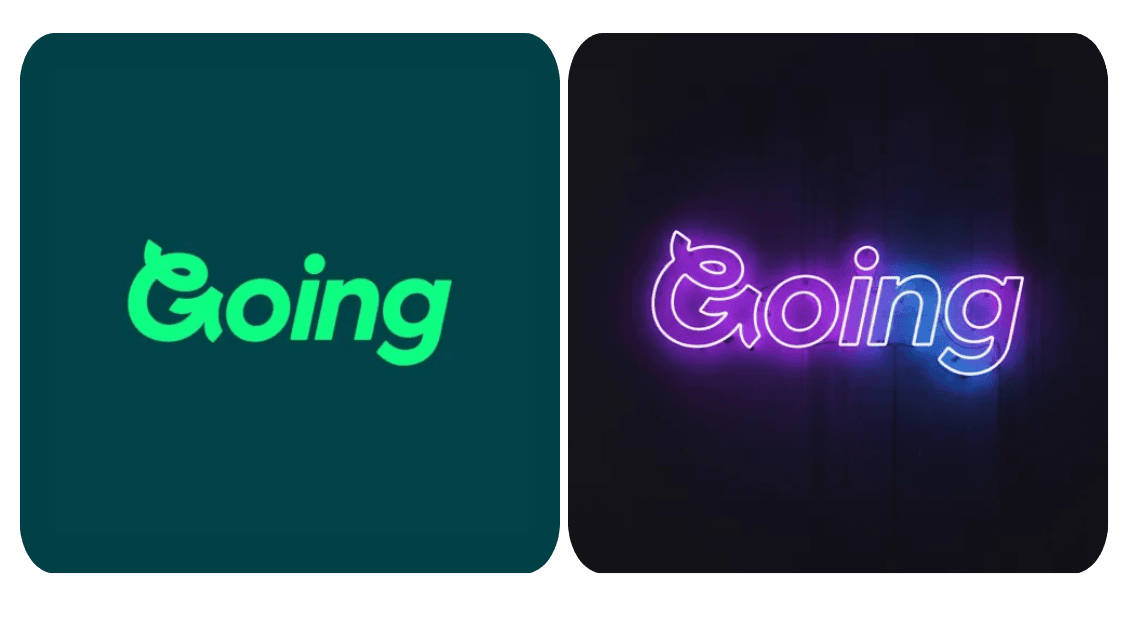
Flat is boring. Light it up! Instant neon magic for your logo, free and online.
✅ Prompt:
Frontal flat view, cyberpunk neon sign logo, centered, vibrant purple and blue glow, flickering light, dark wall background, hyper-realistic.
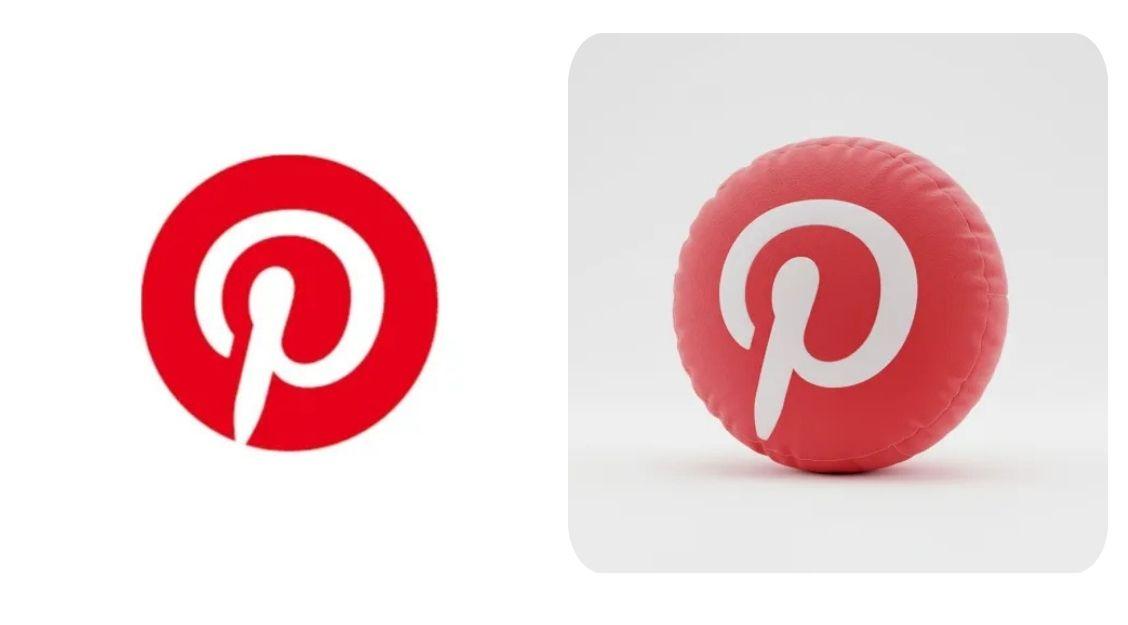
7. 3D Plush Pillow Logo Generator
Create a soft, 3D plush pillow version of your logo with realistic stitching and rounded forms. Preview and download instantly.
✅ Prompt:
A high-resolution 3D render of the uploaded logo shaped like a puffy inflatable pillow. The form is soft, rounded, and gently squished, with visible stitching, subtle seams, and a matte textile texture. Display the pillow-like logo at a 45-degree angle on a clean white background, giving it the appearance of a trendy modern plush toy.
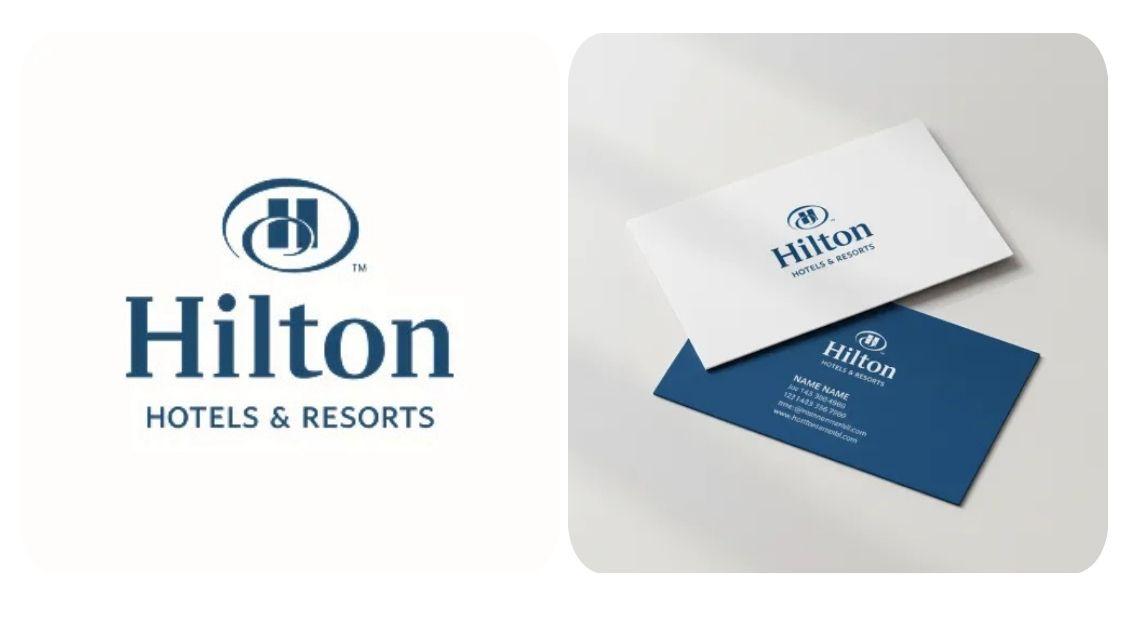
8. Business Card Mockup
Instantly generate premium business card designs with AI – modern, professional, and elegant.
✅ Prompt:
Realistic mockup of two business cards, front side in white with uploaded logo, back side in brand color with contact details. Slight overlap, soft natural light, clean background, professional and elegant look.
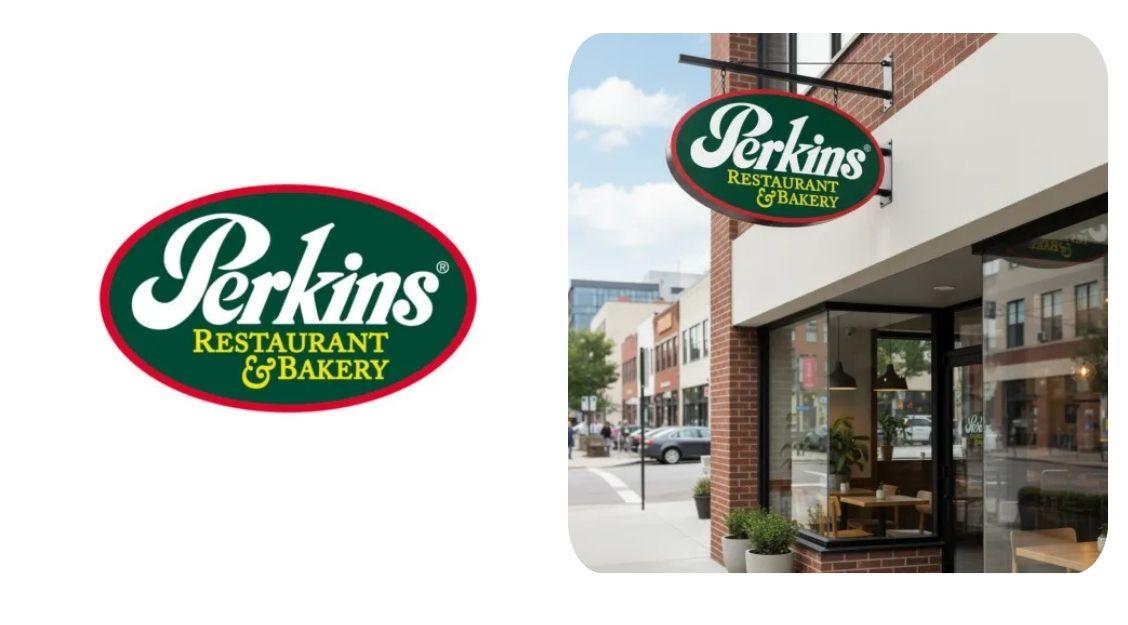
9. AI Storefront & Outdoor Sign Mockups
Create photorealistic shop sign and outdoor signage mockups instantly.
✅ Prompt:
Photorealistic shop sign mockup featuring the uploaded logo, mounted on a storefront. Urban street background, natural daylight, soft shadows and reflections, high detail, professional brand-ready presentation.
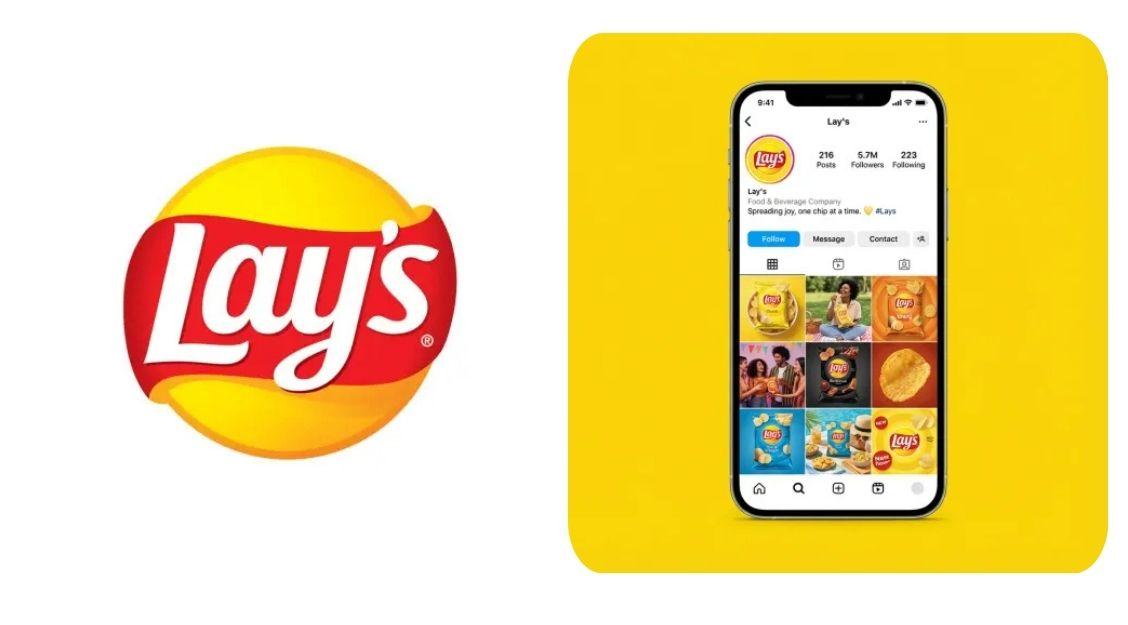
10. AI Instagram Profile Mockup Generator
Create a clean, brand-focused Instagram profile mockup with your logo, name, bio, and posts—instantly generated by AI.
✅ Prompt:
Create a clean promotional image with a smartphone centered on a solid background in the uploaded logo’s main color, showing a realistic Instagram page with the logo, brand name, a short bio, and 6–9 real brand posts (e.g., products, lifestyle shots)—minimal style, no extra props or background text.
More AI Brand Identity Ideas from Your Logo
Need ideas? If you’re not sure where to start or just want to see what’s possible, exploring brand image inspiration can help spark new directions. Playing with different styles, mockups, and visual looks often leads to ideas you wouldn’t think of at first. Below are more AI-powered brand identity design ideas you can try using your logo — just for inspiration, experimentation, or pure fun.