

AI Brand Video Generator
Create on-brand videos from text or images. Compare AI video models and control motion, camera movement, duration, and format in one workspace.
Turn Brand Images Into AI Videos
Create product demos, social clips, and campaign visuals from a prompt or reference images. Compare supported AI video models, then download the version that fits your brand.
Turn Brand References Into AI Videos.
Bring together product shots, style cues, and campaign moments in one generation. uBrand blends your visual references into a cohesive AI video while keeping the subjects, look, and details that matter most.
Create with references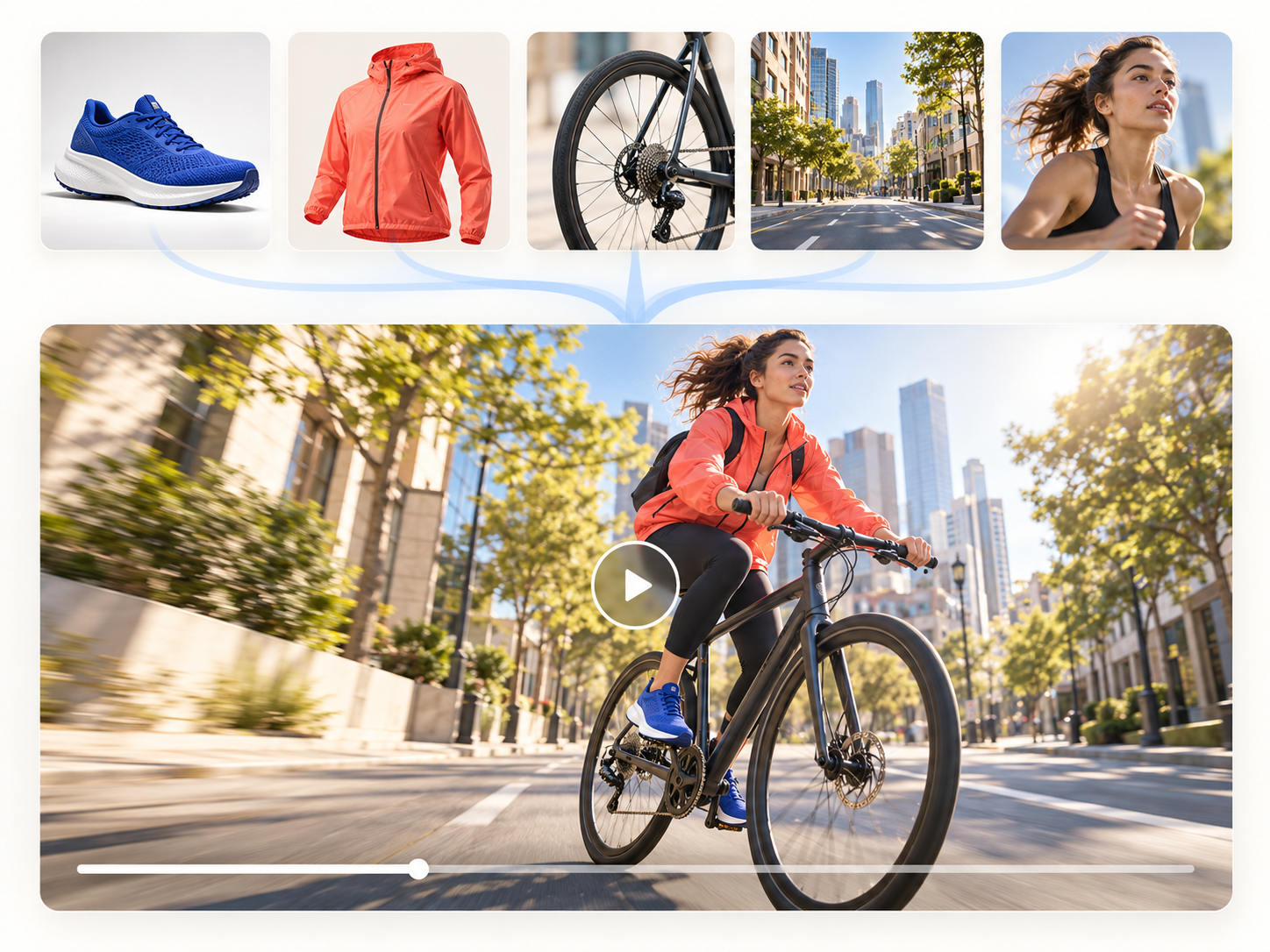
One Brief. Multiple Video Directions.
Run one visual direction through several AI video models at the same time. Review distinct motion, pacing, and campaign treatments side by side, then choose the version that best suits your brand.
Compare video models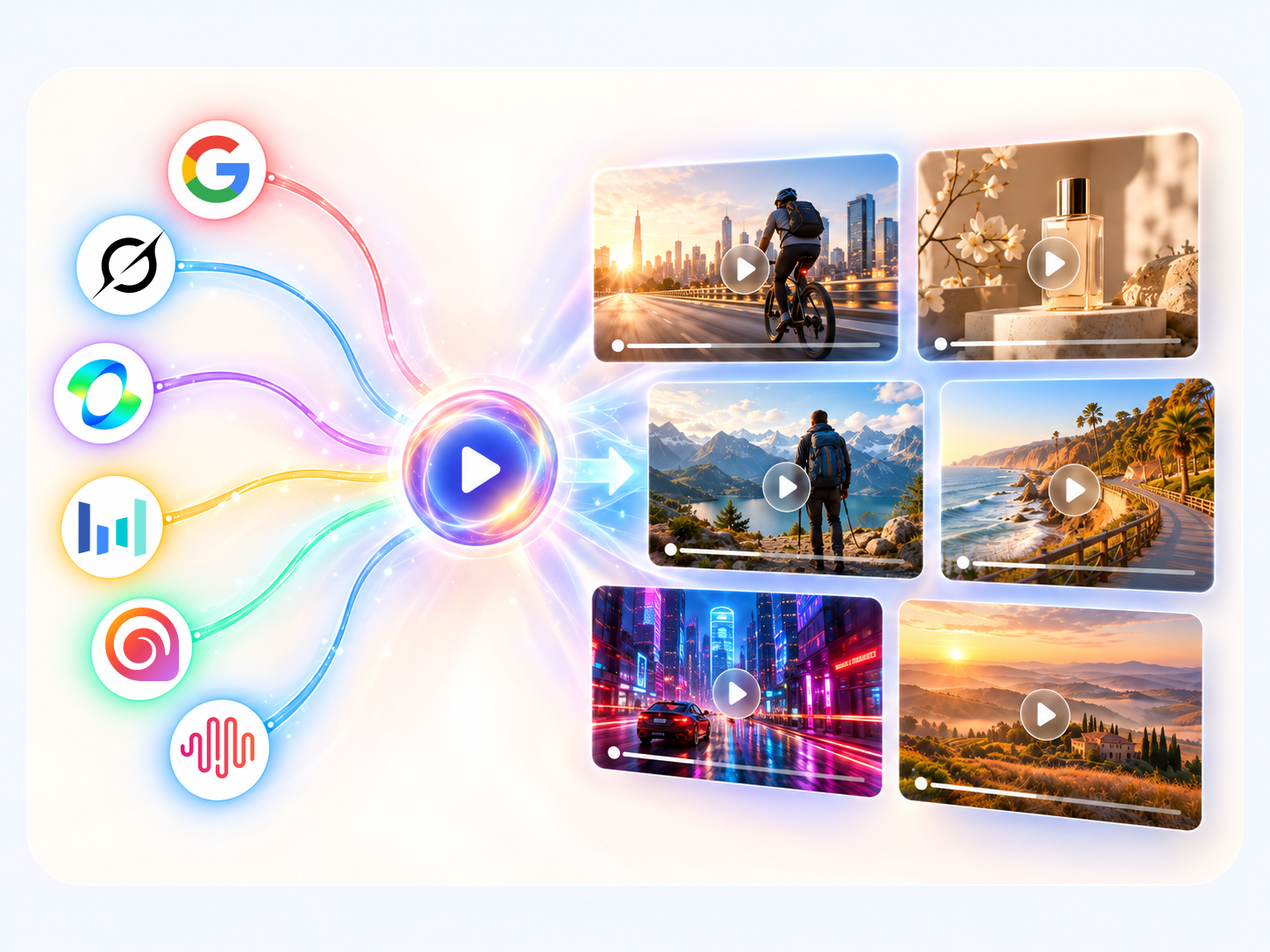
Guide the Motion, Camera, and Mood.
Add a quick prompt to steer the camera, energy, and atmosphere behind your visual. Or simply upload your brand image and let AI turn it into natural motion—polish the details only when you want to.
Create a brand video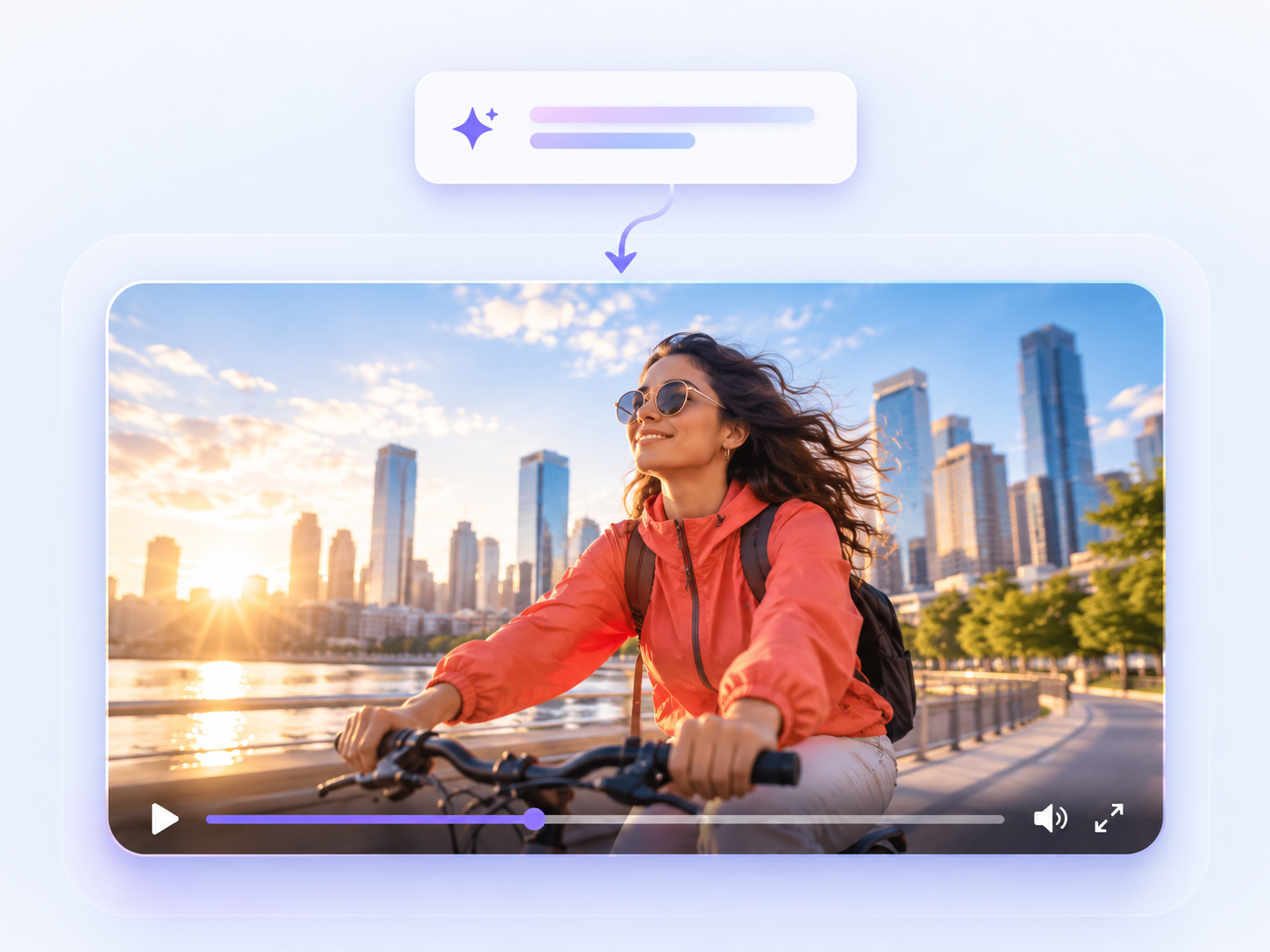
FAQ
uBrand AI video FAQs
What is uBrand’s AI video generator?
uBrand’s AI video generator turns creative descriptions and optional reference images into short brand videos. Use product shots, campaign visuals, or artwork to guide the motion, camera work, and atmosphere of each result.
How do I make an AI video from an image?
Describe the video you want to create, optionally add reference images, choose a video model and duration, then generate. The selected model uses your description and images as guidance for the new video.
What can I create with uBrand AI video?
Create product showcases, social clips, campaign visuals, and motion concepts from a text idea or your own brand imagery. Each model can interpret the same direction with a distinct look and movement.
Which AI video models are available?
uBrand supports a selection of video models including Grok, Veo, Seedance, Kling, Hailuo, Wan, Runway, PixVerse, MiniMax, and Gemini. Available options, durations, aspect ratios, and credit costs depend on the selected model.
Can I compare AI video models?
Yes. Send the same prompt and optional reference images to multiple selected models, then compare their motion, pacing, and visual treatment side by side.
How many reference images can I use?
You can add up to five reference images. Some video models support fewer images, so the upload limit adjusts automatically to match the model you select.
How are credits calculated?
The credit cost is shown before you generate and is based on the selected video model and duration.
How long are generated videos available?
Generated videos are kept in My Results for seven days. Download any result you want to keep permanently.