


Brand Guidelines Template, Generated with AI
uBrand will help you create a consistent visual identity, refine your brand mission, and automatically generate your brand guideline.Generate now
What's Included in Your Brand Guidelines Template
uBrand will guide you through the following items and generate a brand guidelines template just for you01. Brand Visuals
Create a unified visual image for your brand
Logo
The centerpiece of your visual brand
Fonts
Text fonts used in your brand design
Color/Pattern
Brand colors and patterns help build a more consistent brand visual
Brand Photos
Image style that sets the art direction for your brand02. Brand Positioning
Clarify your brand mission, values, and background story
Mission
What kind of problem do you solve? And what kind of results do you bring?
Vision
What is the meaning behind your brand? What difference will it make in the world?
Values
Core brand values that will guide the brand's daily development in the future
Brand Story
What triggered your initial idea? How did you develop it to where you are now?03. Brand Slogan/Tagline
Speak and endorse for your brand
Slogan/Tagline
A phrase used to convey descriptive or persuasive information about the brandBrand Guidelines Templates by Industry and Style
Every uBrand guideline uses the same clear structure. The colors, fonts, logo and words change to match your brand. Here are six sample brand guidelines made with uBrand for fictional brands.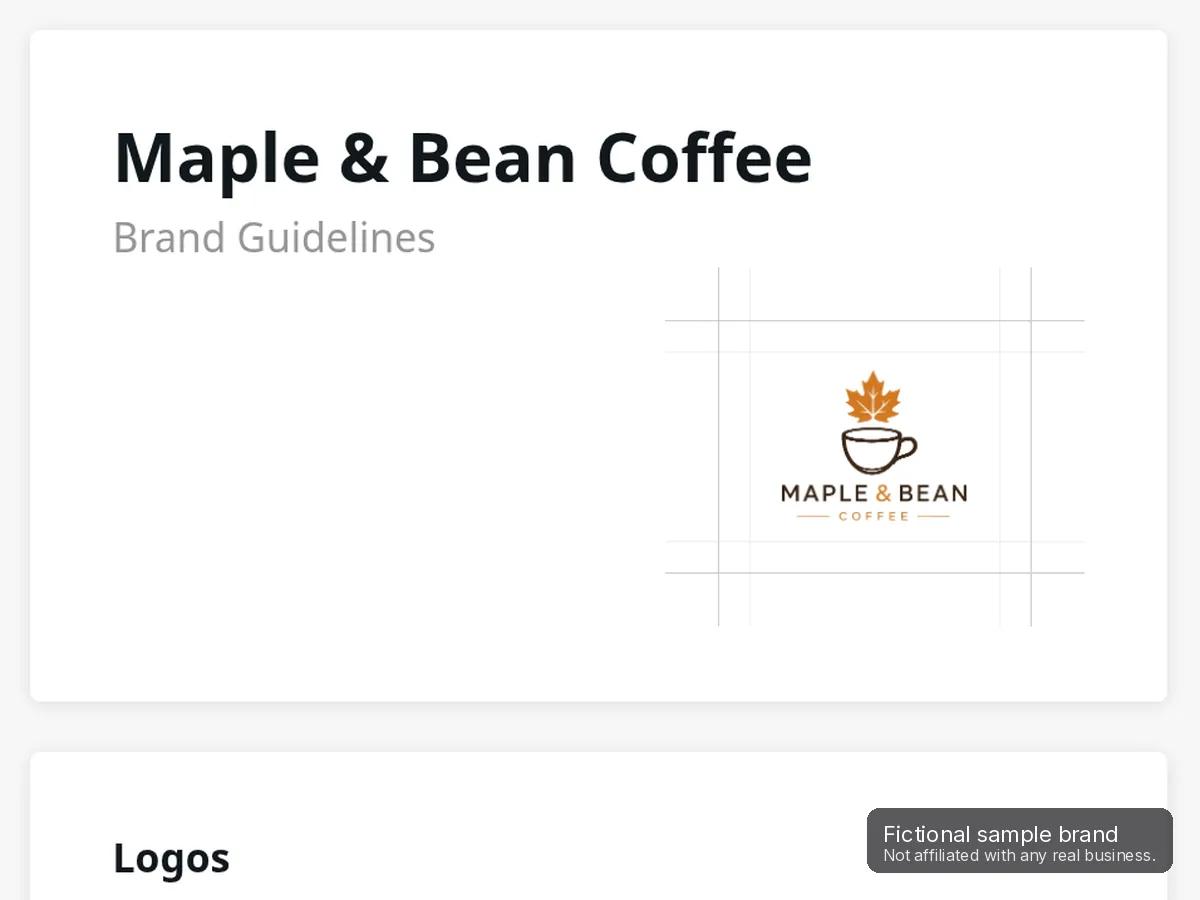
Maple & Bean Coffee
Coffee shop · Warm & classic
Fictional sample brand · Made with uBrand
Fictional sample brand. Not affiliated with any real business.
A cozy café brand with earthy browns, a friendly voice and a simple cup-and-leaf logo.
Includes: Logos · Brand colors · Fonts · About us · Mission & vision · Values · Slogan & brand voice
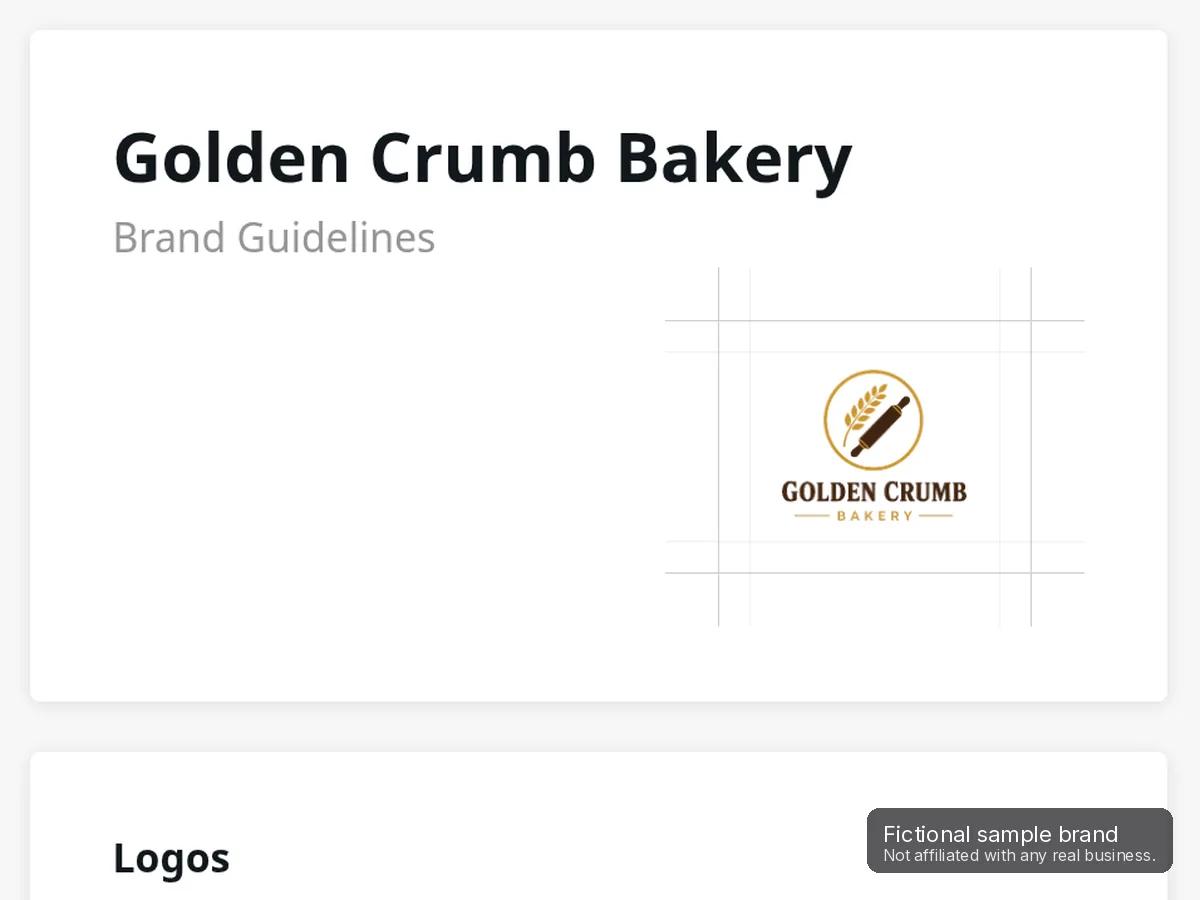
Golden Crumb Bakery
Bakery · Traditional badge
Fictional sample brand · Made with uBrand
Fictional sample brand. Not affiliated with any real business.
A neighborhood bakery with a round badge logo, golden accents and a welcoming tone.
Includes: Logos · Brand colors · Fonts · About us · Mission & vision · Values · Slogan & brand voice
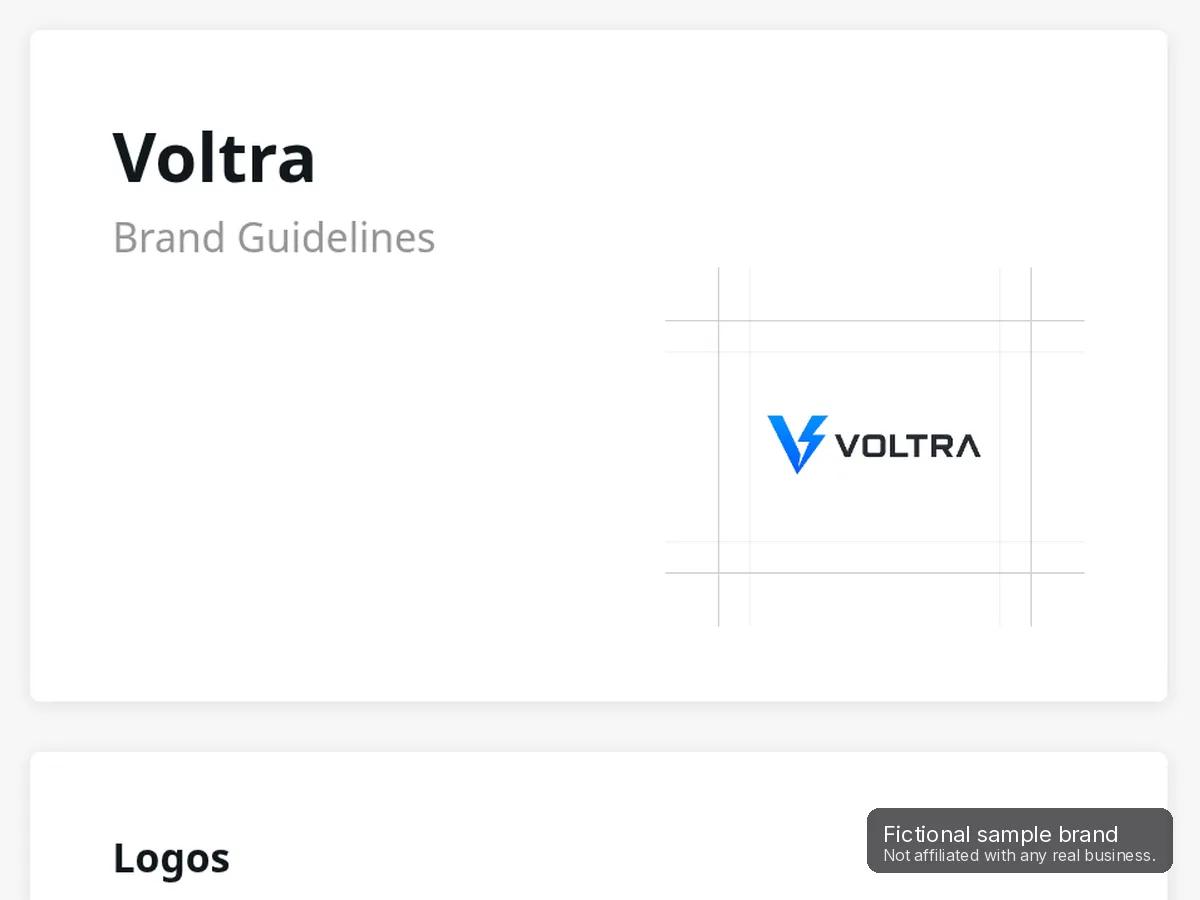
Voltra
Tech & electronics · Modern & bold
Fictional sample brand · Made with uBrand
Fictional sample brand. Not affiliated with any real business.
A tech brand with a sharp lettermark, electric blue palette and a confident, clear voice.
Includes: Logos · Brand colors · Fonts · About us · Mission & vision · Values · Slogan & brand voice
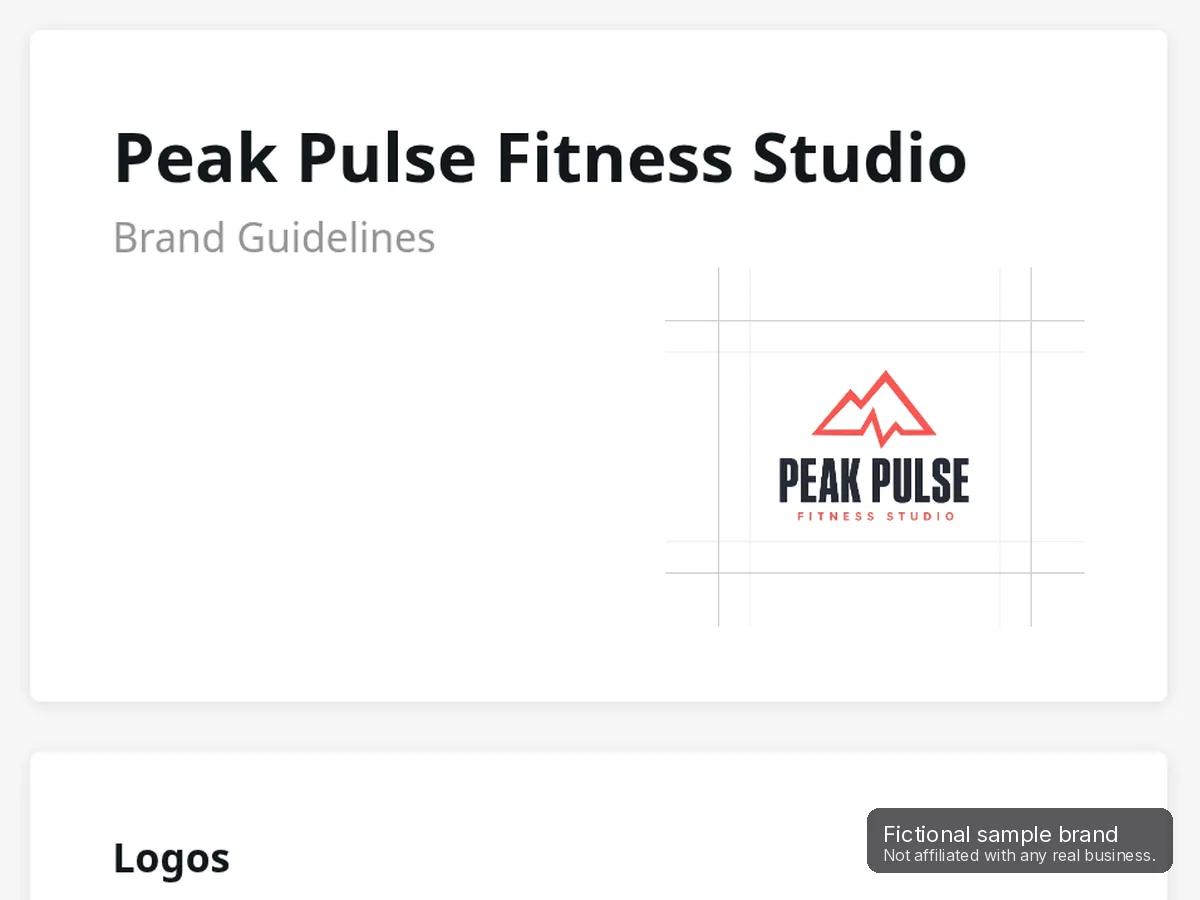
Peak Pulse Fitness Studio
Fitness · Energetic
Fictional sample brand · Made with uBrand
Fictional sample brand. Not affiliated with any real business.
A fitness studio brand with bold type, high-contrast colors and a motivating voice.
Includes: Logos · Brand colors · Fonts · About us · Mission & vision · Values · Slogan & brand voice
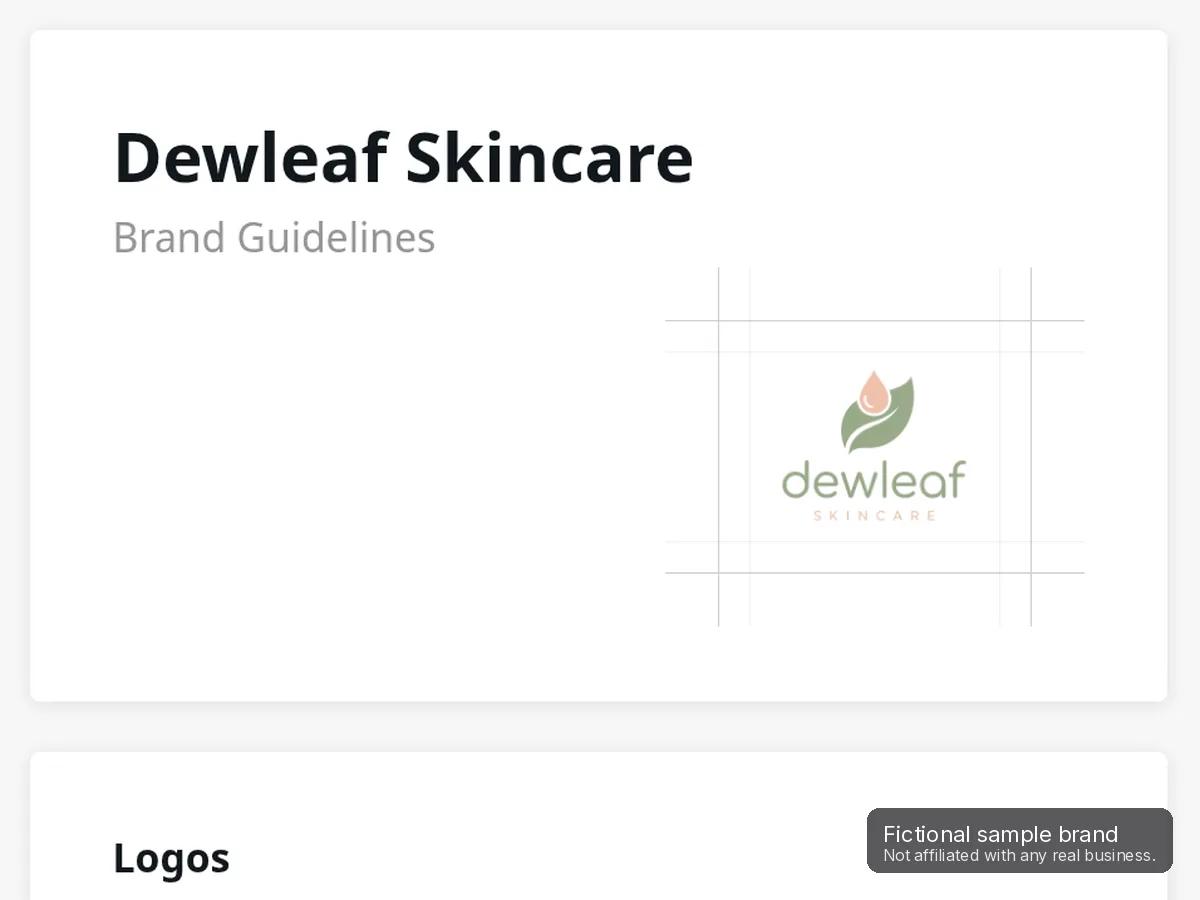
Dewleaf Skincare
Beauty & wellness · Soft & minimal
Fictional sample brand · Made with uBrand
Fictional sample brand. Not affiliated with any real business.
A skincare brand with soft greens, light typography and a calm, caring tone.
Includes: Logos · Brand colors · Fonts · About us · Mission & vision · Values · Slogan & brand voice
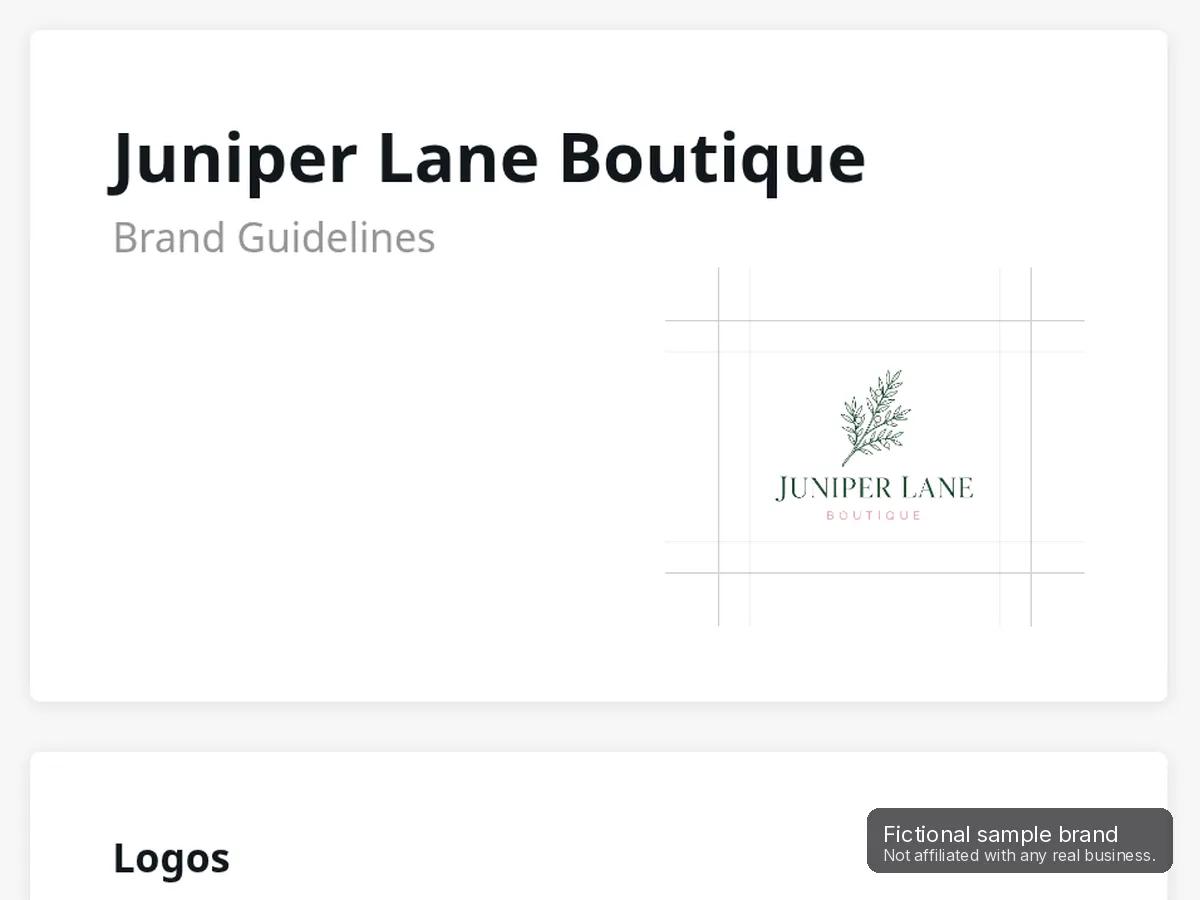
Juniper Lane Boutique
Fashion retail · Elegant
Fictional sample brand · Made with uBrand
Fictional sample brand. Not affiliated with any real business.
A boutique brand with a botanical logo, refined serif type and a warm, personal voice.
Includes: Logos · Brand colors · Fonts · About us · Mission & vision · Values · Slogan & brand voice
Want to see how well-known companies document their brands? Browse 12 brand style guide examples from TikTok, Spotify, Coca-Cola and more.
Create Your Brand GuidelinesHow to Use This Brand Guidelines Template
You don't need design software or a blank template to fill in. Start with your logo and uBrand builds your brand guidelines for you.- Start with your logo – Click Generate now and choose Upload Logo. No logo yet? Choose Make Logo to create one first.
- Build your Brand DNA – Add or confirm your brand name, colors, fonts, mission, vision, values and voice in Brand DNA. This is the information your guidelines are built from.
- Generate your brand guidelines – uBrand turns your Brand DNA into a brand guidelines page with your logos, color codes, fonts, brand story, mission, values and slogan.
- Review and edit – Read every section and change anything that doesn't sound like you. Small edits to your colors, fonts or wording keep your guidelines accurate.
- Share or export – Share your brand guidelines as a link with your team, designers and partners.
Brand Guidelines Checklist: What to Include
Use this checklist to make sure your brand guidelines cover the basics. The first part is created for you by uBrand. The second part covers extra rules many teams add as they grow.Created with uBrand
| Section | What it covers |
|---|---|
| Logos | Your main logo and logo versions, so everyone uses the right file |
| Brand colors | Color codes your team can copy into any design tool |
| Fonts | The typefaces for headings and body text |
| About us | A short description of who you are and what you do |
| Mission & vision | Why your brand exists and where it's going |
| Values | The principles behind how you work |
| Slogan & brand voice | Your tagline and how your brand sounds when it writes and speaks |
Worth adding as you grow
| Section | What it covers | Where to start on uBrand |
|---|---|---|
| Logo usage rules | Clear space, minimum size, and what not to do with your logo | Logo file types every small business needs |
| Color combinations | Which colors to pair, and how to keep text readable | 10 logo color combinations |
| Type hierarchy | Font sizes and weights for headings, body and captions | How to choose the right fonts for your brand |
| Voice examples | Sample sentences that show your tone in real messages | Create a unique brand voice |
| Brand assets | Ready-to-use logo files for social media and print | Brand Identity Kit |
Simple and Effective Branding
You don't need any brand design experience. Just answer a few simple questions about your brand, and we will automatically generate a beautiful brand guideline based on your answers.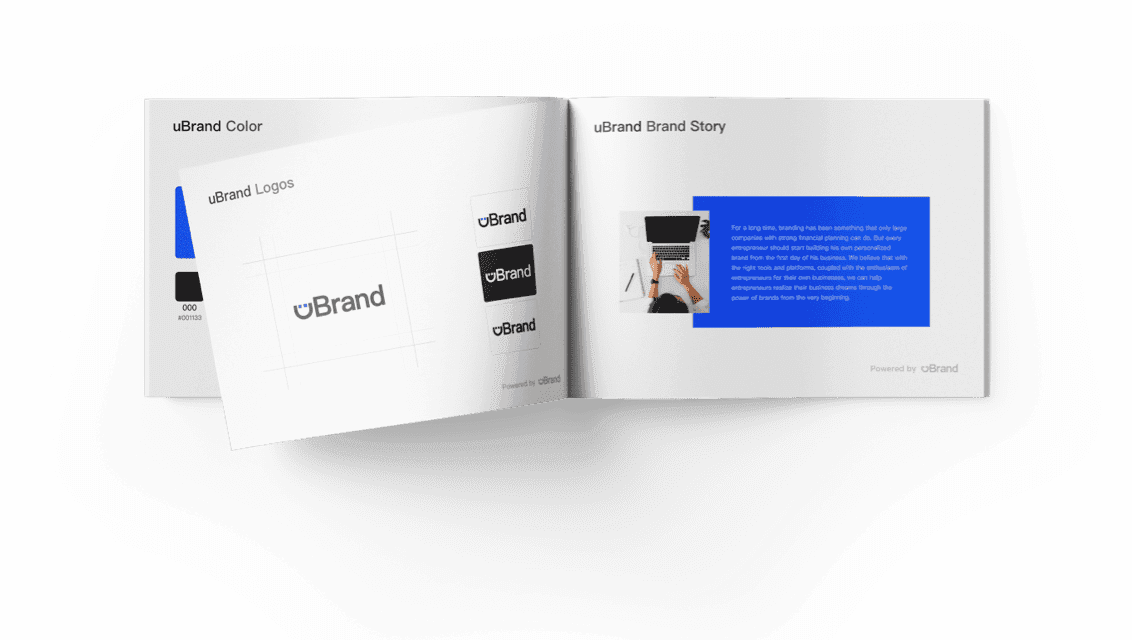
 Easy Editing
- You can modify your brand information at any time, whether it's updating your logo or adjusting font colors. uBrand will sync your updates automatically.
 Real-time Updates
- Unlike traditional PDF files, your brand guideline will be updated in real-time along with your brand information, and will display beautifully on both a mobile phone and PC.
 One-click Sharing
- Sharing your brand guideline with your team members or partners, so that everyone can collaborate quickly around brand content.
One-Page Brand Board or Full Brand Guidelines?
A full brand guidelines document covers your logo, colors, fonts, story and voice in detail. It's the version to share with your team, designers and partners. A one-page brand board puts your logo, palette and type on a single image, which is handy for quick reference or a pitch. If you want both, create your brand guidelines here and make a one-page board with the AI Brand Guidelines Generator.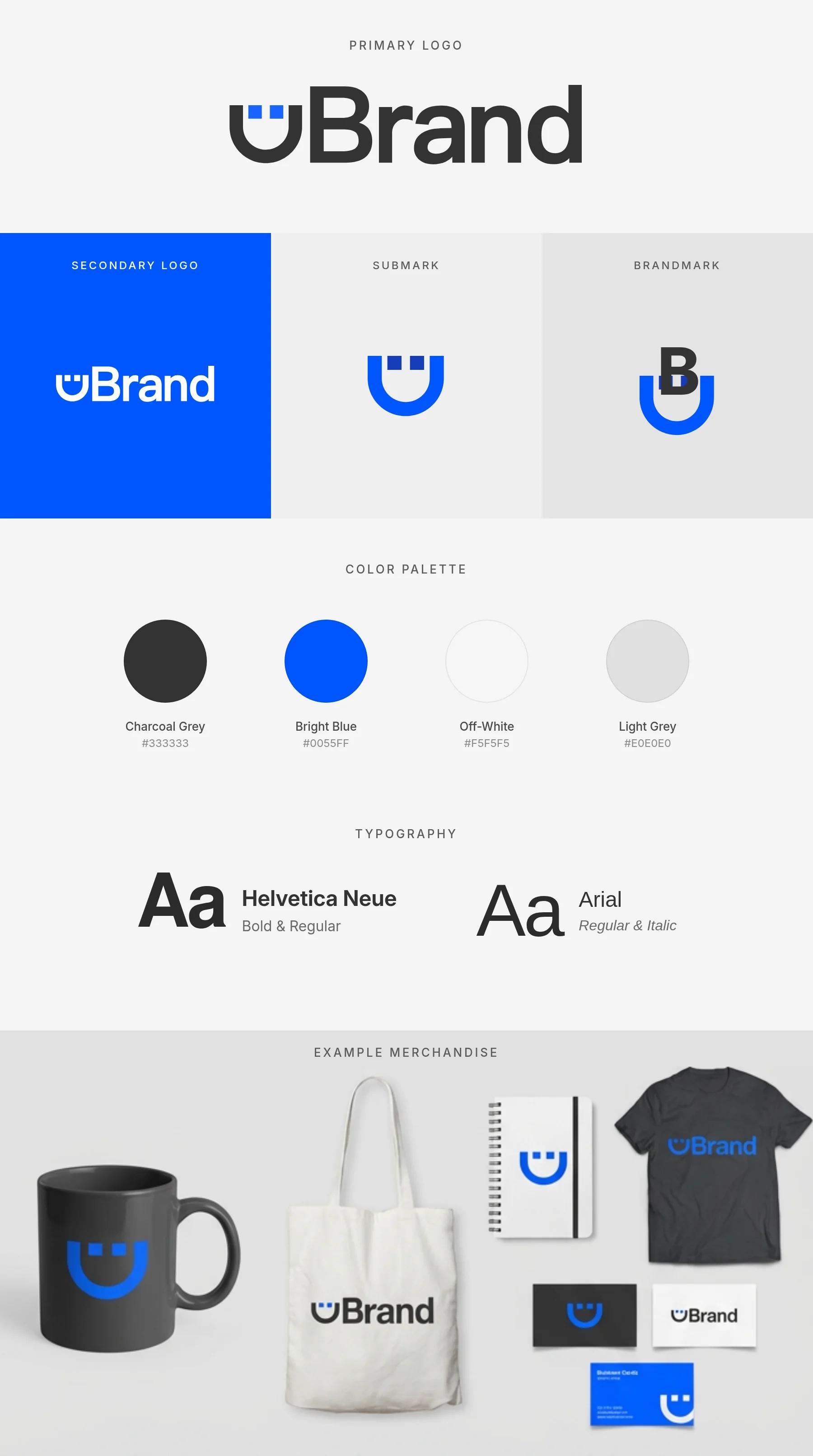
Brand Guideline FAQs
Is it free to generate my brand guideline?
Yes, after you fill in the brand name, you only need to complete the content in the brand element section as guided by uBrand, and we will automatically generate an exclusive brand guideline manual for you. If you are not satisfied with a certain part of the brand manual, you can modify and adjust it at any time in the corresponding brand element section, and we will update it for you in real-time.
Can I export the brand guideline to PDF?
Yes, you can. We recommend that you share your brand guideline as a link (to ensure real-time updates of brand information). Of course, if you need a traditional PDF format, you can also export your brand guideline as a PDF format.
What is a brand guidelines template?
A brand guidelines template is a document for recording the visual and verbal rules of your brand, so they can be used consistently.
What should brand guidelines include?
Your uBrand guidelines include logos, colors, typography, about, mission and vision, values, and slogan and brand voice.
What's the difference between a brand style guide and a brand book?
A brand style guide and a brand book usually mean the same kind of document. A brand book can sometimes be broader and include a brand story.
How do I create brand guidelines with uBrand?
Create or import your brand, generate its Brand DNA, then edit your information and generate your guidelines. You can also turn your logo into a brand identity kit.
Can I use uBrand as a brand style guide template or brand book template?
Yes. A brand style guide, brand book and brand guidelines all describe the same core idea: one place that explains how your brand looks and sounds. Instead of filling in a blank brand style guide template or brand book template, uBrand generates the document for you from your logo and Brand DNA, with sections for logos, colors, fonts, mission, values and brand voice.
Do I need a logo to create brand guidelines?
It helps, because your logo is the starting point for your colors and visual style. If you already have one, choose Upload Logo. If you don't, choose Make Logo to create one first, then continue to your brand guidelines.
Can I update my brand guidelines later?
Yes. Brands change over time, and your guidelines should too. When you update your brand information on uBrand, such as your colors, fonts or mission, your brand guidelines reflect the change, so your team always sees the latest version.
What's the difference between brand guidelines and a brand kit?
Brand guidelines explain the rules: which logo to use, your colors and fonts, and how your brand should sound. A brand kit is the set of ready-to-use files, such as transparent logos, color variations and social media sizes. Use this page for your brand guidelines and the Brand Identity Kit for your logo files.
More Brand Guidelines Resources
- 12 brand style guide examples from famous brands
- 10 AI brand guidelines prompts by industry
- How to generate brand guidelines from your logo
- Generate your brand guidelines in 3 steps
- Brand guidelines vs. pitch deck: what's the difference?
- How to create your brand's mission, vision and values
- What is brand consistency?
- Build your Brand DNA · Create a brand identity kit