


How to Launch a Brand in 24 Hours Using AI
You've got a business idea, a domain name, and plenty of motivation. Then branding gets in the way. Suddenly you're looking at weeks of back-and-forth with designers, writing mission statements, and trying to figure out what a hex code is.
It doesn't have to take that long. If you're a founder who needs to move fast and validate an idea, you don't have time for a traditional branding process. You need a minimum viable brand: enough identity to show up consistently, and you need it this week.
With the right AI tools, you can put that foundation together in a focused 24-hour sprint. This article is a timed playbook for that sprint. For a broader, untimed walkthrough of building a brand with AI, see How to Build a Brand with AI. For a closer look at turning an existing logo into identity pieces such as a Brand DNA card, color card, presentation, and story video, see How AI Transforms Your Logo Into a Complete Brand Identity.
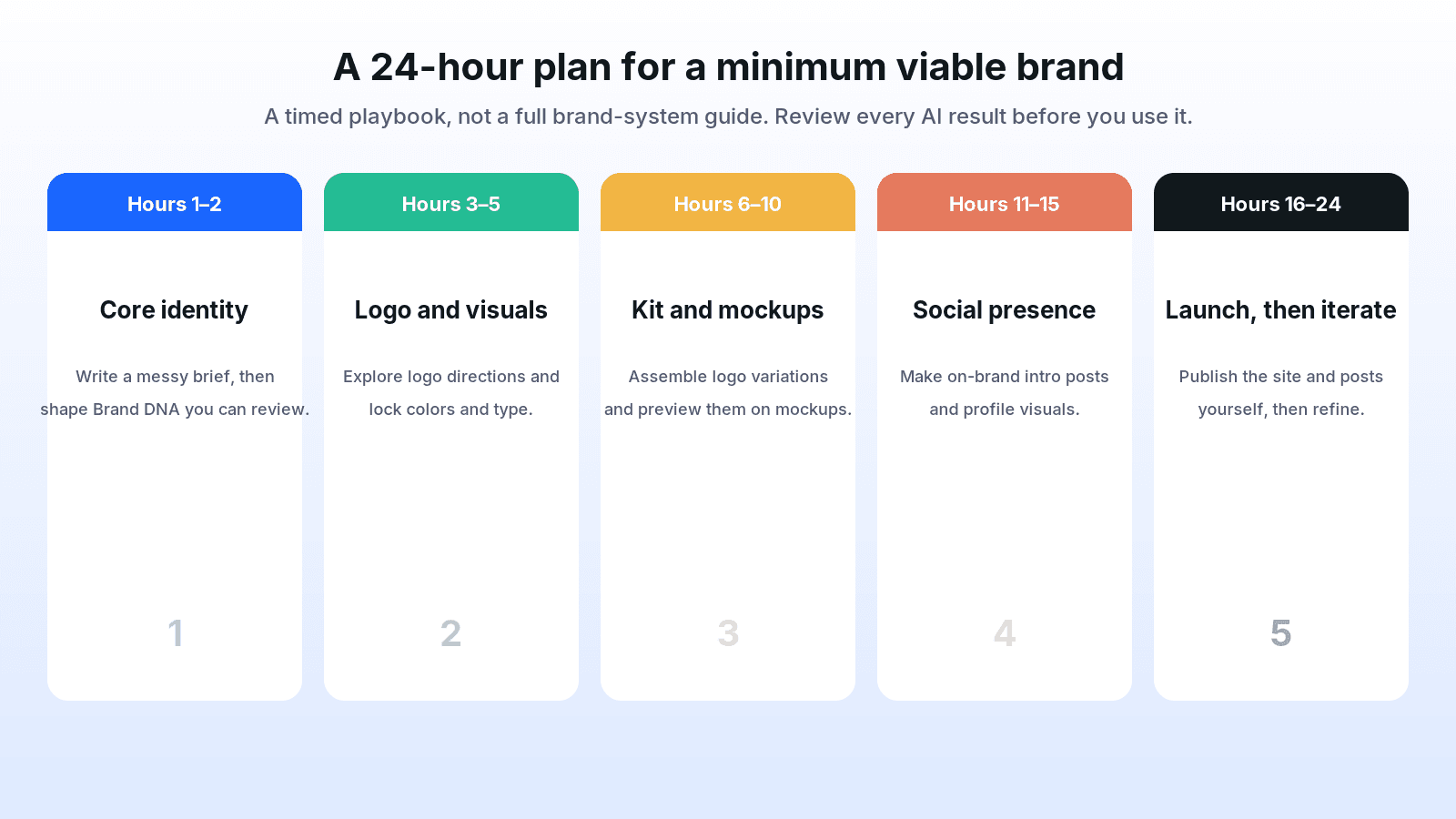
Hours 1 to 2: Define your core identity
Before you touch design tools, you need a clear point of view. This used to take days of workshops. You can now shape a first draft much faster, as long as you review it carefully.
Start by writing a simple, messy paragraph about what your business does, who it's for, and why it matters. Don't worry about making it sound polished. Then use that brief as the raw material for your mission, vision, and values.
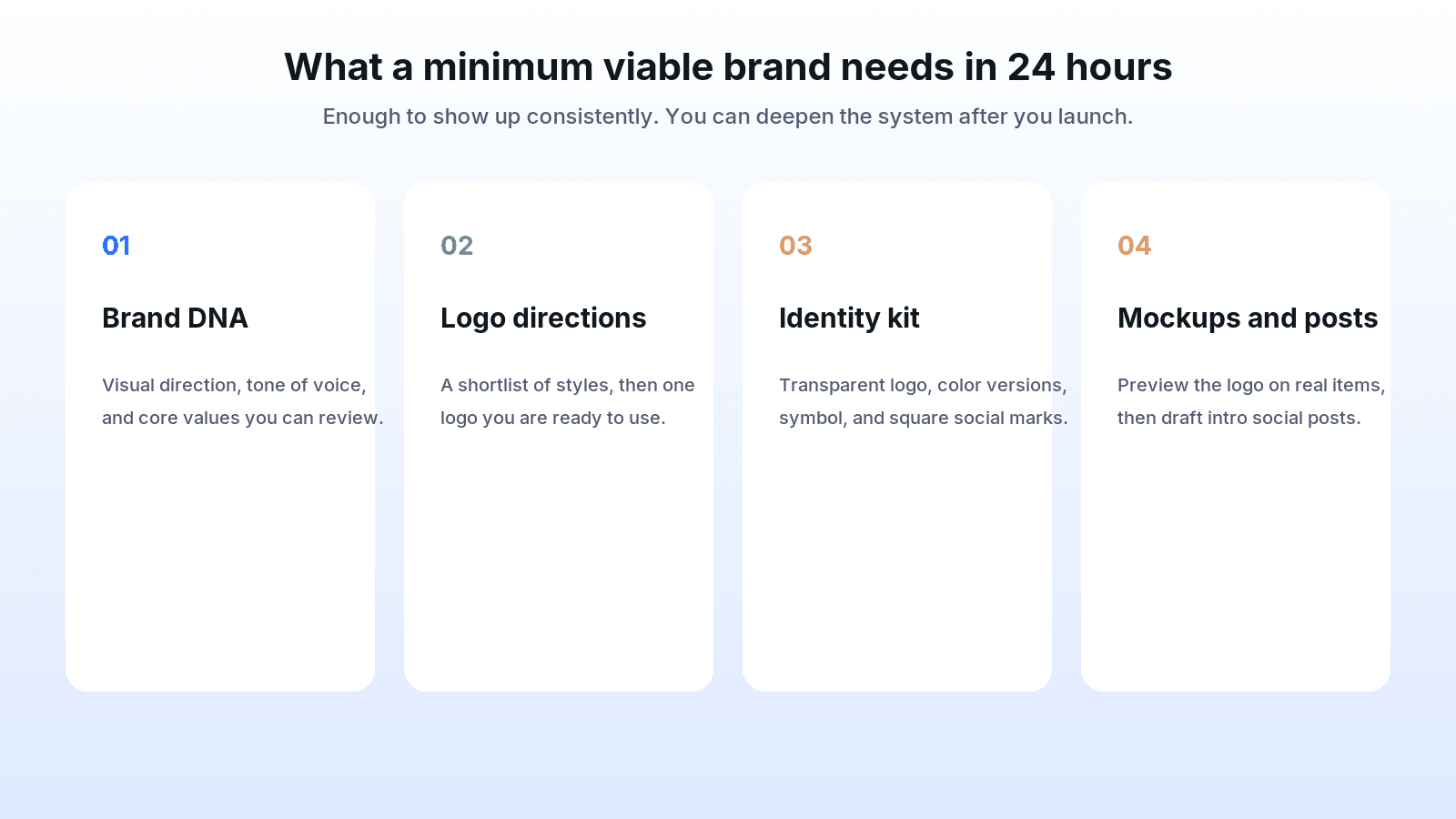
On uBrand, you can start from your logo or a brand name and generate a Brand DNA draft. Brand DNA is meant to cover visual identity, tone of voice, and core values. Treat it as a starting point: read it, correct anything that doesn't sound like you, and only then move on to design.
Hours 3 to 5: Generate your logo and visuals
Your logo is the anchor of the visual identity. Instead of sketching stacks of concepts, or waiting on a freelancer, you can use an AI logo generator to explore several directions. Enter your brand details, choose a few styles you like (minimalist, emblem, modern, and so on), then compare the results. Pick the strongest option and refine the colors and type until it feels right.
Once the logo is locked in, you still need a primary color palette, supporting colors, and a consistent font pairing. uBrand can organize these around your logo in a brand identity kit, including transparent logos, color variations, a standalone logo symbol, and square versions for social profiles. Review those variations before you use them, so you're not guessing which shade of blue belongs in the kit.
Hours 6 to 10: Assemble the assets you'll actually use
Now you need the pieces that let the business show up in the world: a profile picture, a mark for your website, and clean logo versions on light and dark backgrounds.
Stay inside the identity kit for those logo versions, then preview the logo on everyday items with the AI Mockup Generator. Choose a scene (business cards, packaging, apparel, or devices) and generate a mockup from your logo. These previews are useful for a simple website and early marketing, because they help a one-day-old business look considered. Review each mockup and set aside anything that distorts the logo or invents details you didn't approve.
This is also a good moment to start a brand guideline that records your logo, colors, and fonts, so you and anyone helping you stay consistent after the sprint.
Hours 11 to 15: Build your social media presence
Your brand isn't real to customers until it shows up in the world. Consistent visuals across channels help people recognize you, and that consistency is easier to keep when every post starts from the same logo, colors, and type.
Setting up your channels means creating banners, post layouts, and a short introduction. Instead of starting from a blank canvas, use the Brand Social Post Generator: pick a style, use your logo, and generate a few introductory posts and profile visuals for LinkedIn, X, and Facebook. If you want a short motion piece as well, you can look at logo-intro or product-video templates in the inspiration library, then review the result frame by frame. Post the content yourself after you've checked every word and image. uBrand does not publish to your accounts for you in this workflow.
Hours 16 to 24: Launch, then iterate
You now have a strategy draft, a logo, a compact identity kit, a few mockups, and introductory social content. The last block of time is for putting it together.
Publish your website, post the introduction on social media, and start talking to customers. Those are steps you take yourself. The advantage of building this way is flexibility. As you learn more about your audience, you can come back, adjust colors or messaging, and generate new options to review. Don't treat the 24-hour version as finished forever; treat it as a clear, consistent starting point.
You don't need a month-long timeline to launch a minimum viable brand. You need a clear idea, a focused day, and enough review time to make sure the AI results still sound and look like you.