


Creating Your Own Logo from Inspiration (Without Copying It)
 Ping
Ping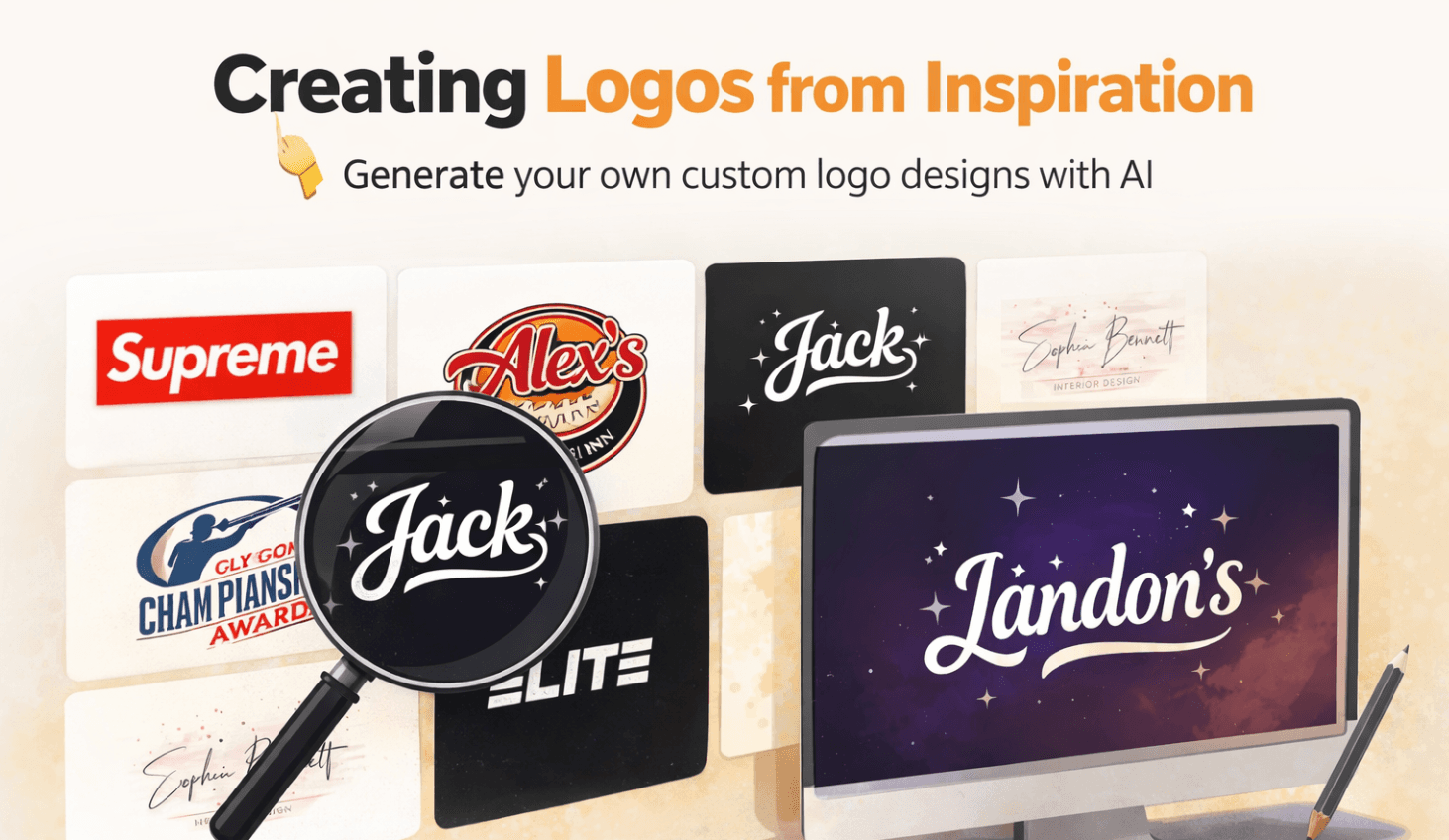
Most people don’t start logo design with a blank canvas.
They start with a feeling.
“I want something like that.”
A logo they saw on Instagram.
A brand they admire.
A style that just clicks.
The problem? Turning that vague inspiration into your own logo has always been hard.
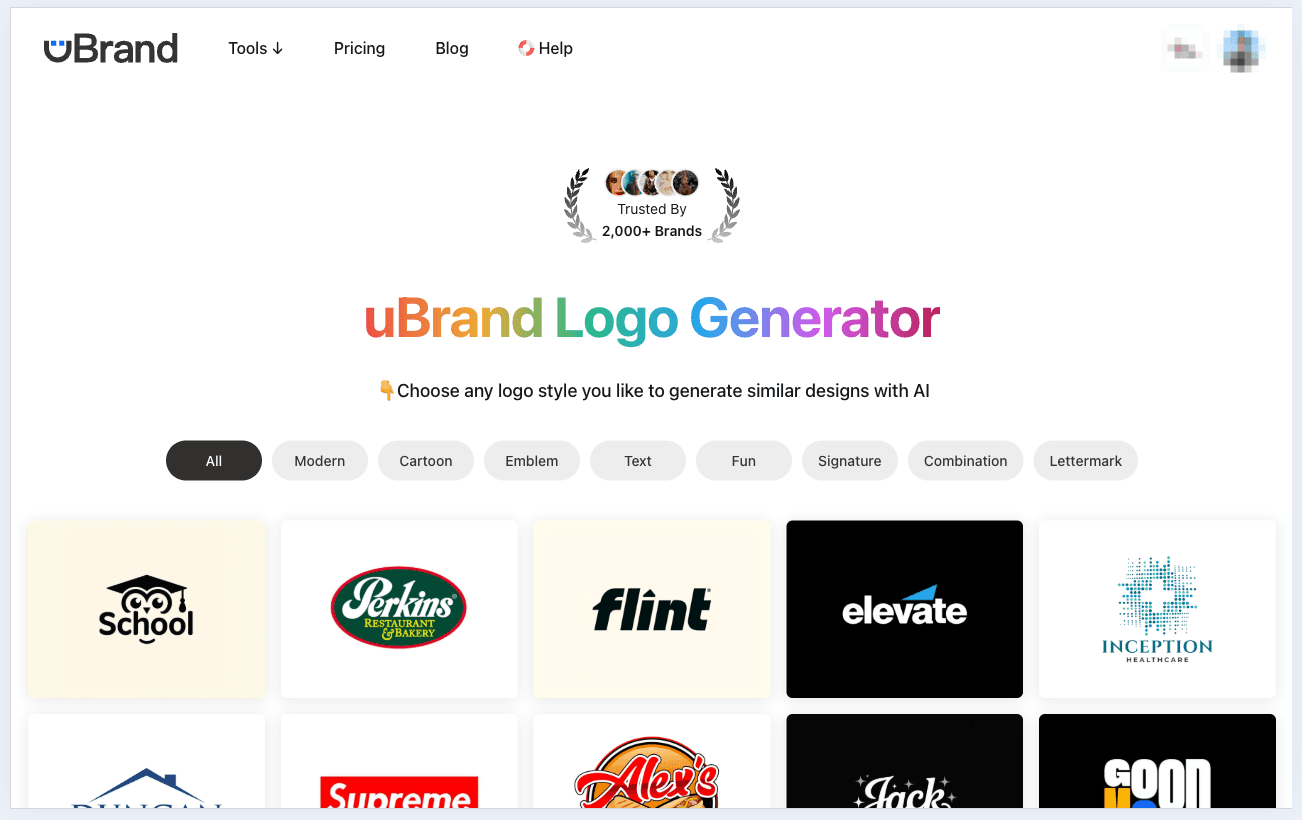
Until Logo Generator by inspiration from uBrand →
Inspiration Is the Shortcut Most Designers Use
Here’s the truth:
Even professional designers don’t design from scratch.
They collect references.
They build moodboards.
They remix ideas.
The difference is—they know how to translate inspiration, not copy it.
That’s exactly what modern AI tools are starting to unlock.
Instead of asking you:
- “What font do you want?”
- “What color palette?”
- “What industry style?”
They flip the process.
They ask:
👉 “Which logos do you like?”
Start With What You Like, Not What You Know
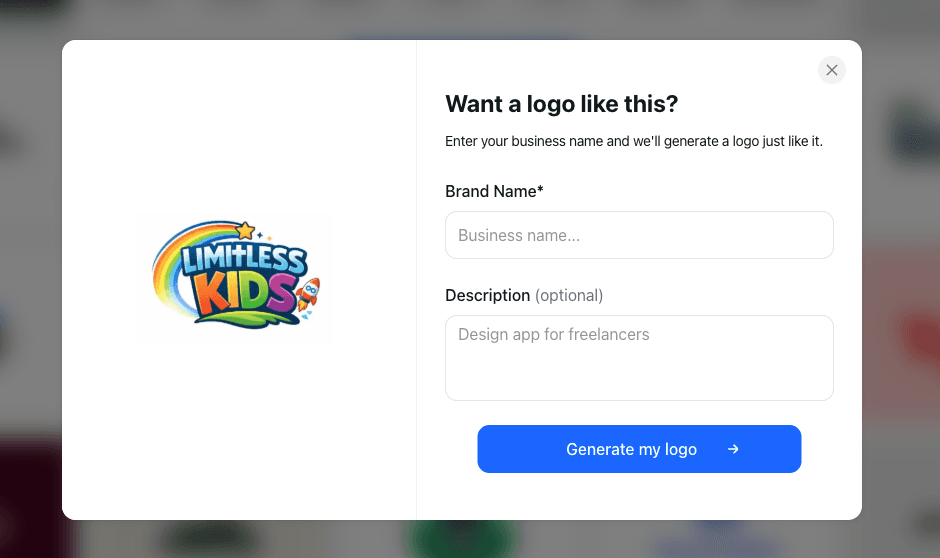
When you land on the uBrand Logo Generator, the experience feels different immediately.
You’re not overwhelmed with technical choices.
Instead, you:
- Browse logo styles (modern, cartoon, emblem, text, etc.)
- Pick designs that match your taste
- Let AI generate similar logos based on that direction
This is powerful because:
- You don’t need design vocabulary
- You don’t need to imagine from scratch
- You just react to what feels right
It’s closer to how humans actually make creative decisions.
From Reference → Interpretation → Your Logo
The real magic happens in how AI interprets inspiration.
You’re not cloning a logo.
You’re giving the system a visual direction.
Behind the scenes, AI:
- Understands layout patterns
- Picks up typography style
- Extracts color relationships
- Rebuilds a new composition around your brand
That’s why the output feels familiar—but still original.
This “inspiration-first” workflow is becoming the new default because it removes guesswork and speeds up decision-making dramatically .
Upload Your Own Inspiration
Sometimes you already have something specific in mind.
Maybe:
- A competitor’s logo
- A Pinterest save
- A sketch you made
Instead of describing it, you can just upload it.
The AI will:
- Analyze the structure
- Recreate the style
- Apply it to your brand name
That step alone collapses hours of back-and-forth into seconds.
And more importantly—it bridges the gap between taste and execution.
Why This Approach Works So Well
Traditional logo design fails beginners because it starts too abstract.
“Innovation.”
“Trust.”
“Premium feel.”
Those are hard to visualize.
Inspiration-based design flips it into something concrete:
- “I like this bold typography”
- “I want this minimal look”
- “This color vibe feels right”
Now you’re not guessing anymore—you’re steering.
The Hidden Benefit: Faster Iteration
Once you have a direction, you can explore variations instantly:
- Slightly more minimal
- More playful
- Different color tone
- Alternate layout
What used to take days with a designer now takes minutes.
And because everything is generated consistently, your brand identity starts forming naturally—not randomly.
Inspiration ≠ Copying (If You Do It Right)
There’s always a concern here:
“Am I just copying another logo?”
The answer depends on the process.
Good inspiration-based design:
- Uses style, not structure
- Adapts, not duplicates
- Transforms, not traces
AI helps enforce that by generating new compositions instead of replicating exact designs.
So you end up with something that feels aligned—but still yours.
From Logo → Brand
Once your logo direction is clear, everything else becomes easier:
- Colors are already defined
- Typography has a starting point
- Visual style is consistent
And that’s where branding platforms like uBrand go beyond just logos—helping you extend that identity across your entire brand system .
Final Thought
Creating a logo used to mean:
- Learning design
- Hiring a designer
- Or guessing your way through templates
Now it’s something else entirely.
You just need taste.
Pick what you like.
Let AI interpret it.
Refine until it feels right.
That’s it.
And honestly—that’s how creativity has always worked.