

AI Logo Generator: Turn Your Brand Name into Logo Ideas
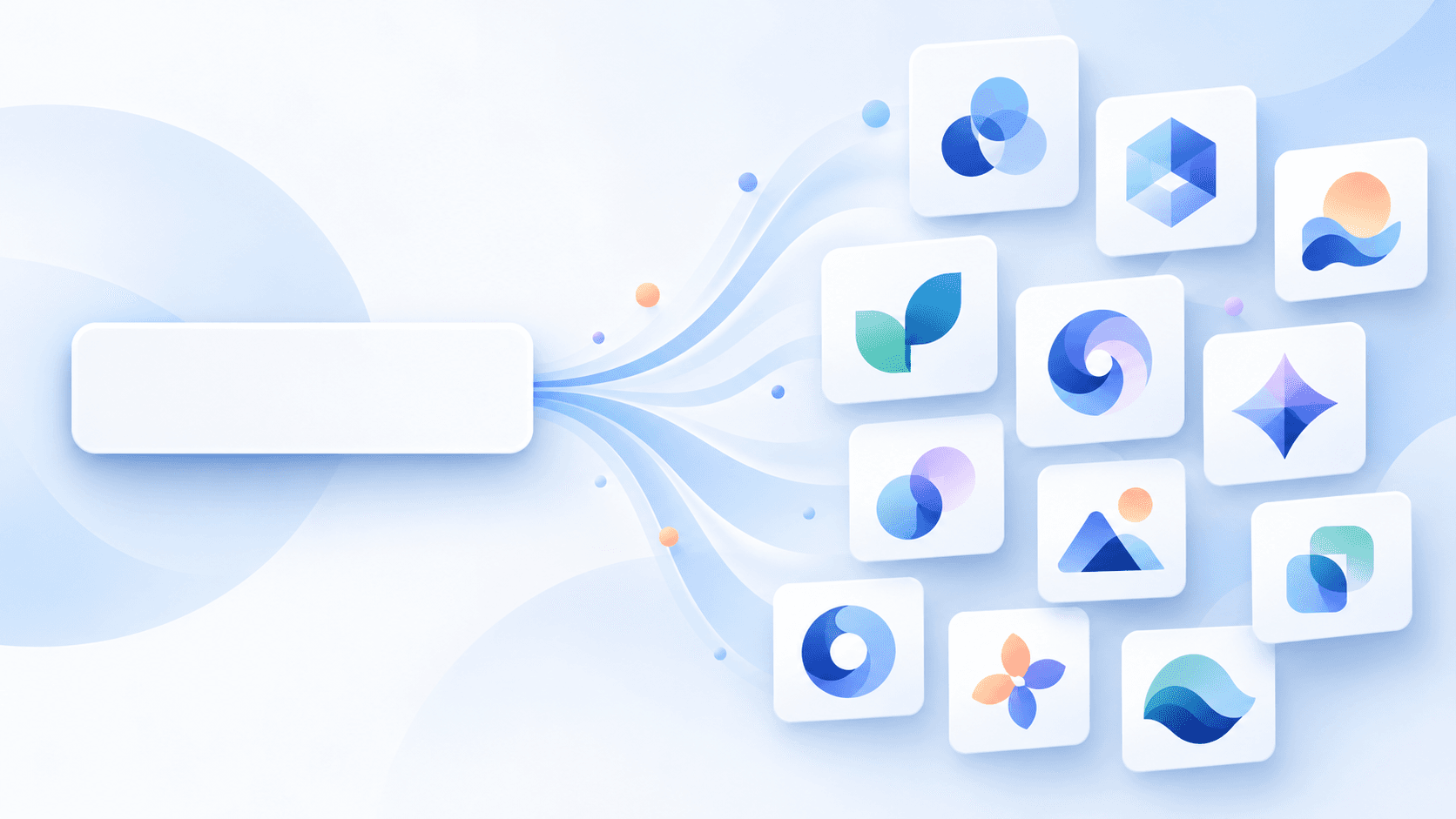
You have a business name. You might not have a color palette, a favorite font, or a 10-page creative brief—and that is perfectly fine.
The uBrand AI Logo Generator gives you a simple place to start: enter your brand name, and explore different logo directions created around it. You can choose styles or add a short description, but neither is required. If you would rather see possibilities first, let the generator surprise you.
This guide walks you through the process, explains what to look for in the results, and shows how to take a promising logo further.
Why Start with Just a Brand Name?
For a new business, choosing a logo can feel like a test you are supposed to pass before you even begin. What style should it be? Which colors are right? Should it include an icon? Those are useful questions—but you do not need all the answers upfront.
uBrand uses your name as the starting point for AI-generated logo concepts. Instead of building a detailed prompt or making a long list of design decisions, you can compare ideas first and discover what feels right for your business.
Think of the results as creative starting points, not a final decision made for you. You bring the context and judgment; the generator helps you explore.
How to Use uBrand's AI Logo Generator
1. Enter your brand name
Open the AI Logo Generator, type the name you want to appear in your logo, and select Continue. Use the spelling and capitalization you intend to use for your business, then check the generated text carefully—AI-generated lettering can need correction.
2. Pick styles—or let the generator surprise you
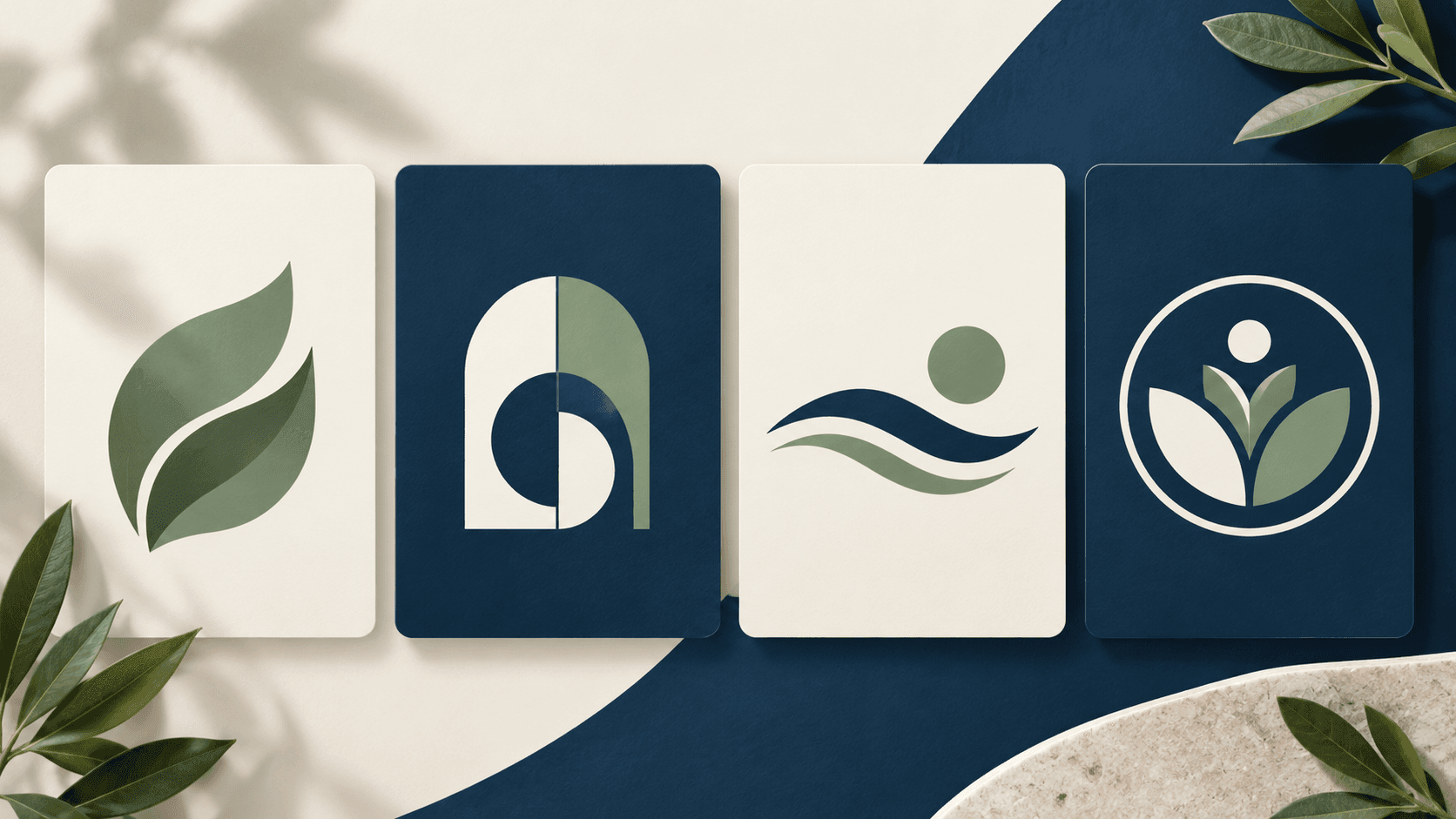
On the next screen, you can select up to two styles, including wordmark, abstract, combination, emblem, signature, and mascot. If you do not know what you want yet, leave the styles unselected and choose “Surprise me.” uBrand will automatically select styles and generate different directions for you to compare.
A wordmark focuses on the name; a combination mark pairs a symbol with the name; an emblem creates a more contained, badge-like look. You do not need to know these terms before you begin—try a mix and see what suits your brand.
3. Add context only if it helps
The description field is optional. A name such as “Willow Bakery” already suggests what the business does. A less descriptive name such as “Willow” could mean almost anything, so a few words like “a neighborhood bakery specializing in sourdough” can give the AI useful context.
You can also mention a mood or a practical preference, such as “warm and approachable” or “simple enough for a small label.” There is no need to write a formal brief.
4. Compare the results and develop a favorite
Generate your ideas, then look at them side by side. Which direction feels appropriate for your customers? Which name is easiest to read? Which mark would still work on a small profile picture? Save your favorite direction and continue refining it in uBrand.
You may be asked to sign in, and availability or credits may apply. Check the current terms shown in the product before generating or downloading.
One Name, Several Ways to Express Your Brand
Different logo styles can give the same name very different personalities. Imagine a fictional business called “Willow Bakery”:
- Wordmark: the name takes center stage, making it useful when name recognition matters most.
- Combination: a simple symbol sits alongside the name, giving you an identifiable mark as well as readable text.
- Emblem: a contained badge can suggest a traditional, established feel on labels and packaging.
- Illustration: an expressive visual direction may suit a brand that wants a more personal or playful character.
These are examples of directions to explore, not promises of a particular result. Compare the actual designs you receive, and choose the one that fits your business rather than the one that simply looks most elaborate.
How to Choose a Logo You Can Actually Use
Before settling on a design, run through this quick checklist:
- Check the name. Is it spelled correctly and easy to read?
- Look at it small. Does the important shape remain clear at profile-picture size?
- Try a simple background. Can you recognize it without relying on a complex scene or texture?
- Consider your audience. Does the tone make sense for the people you want to reach?
- Think beyond the screen. Would the design translate to the packaging, signs, or documents you actually use?
Before adopting a logo commercially, check for confusingly similar designs and relevant trademarks in your market. An AI-generated concept is a starting point, not a guarantee of exclusive rights.
Turn Your Logo into a Consistent Brand
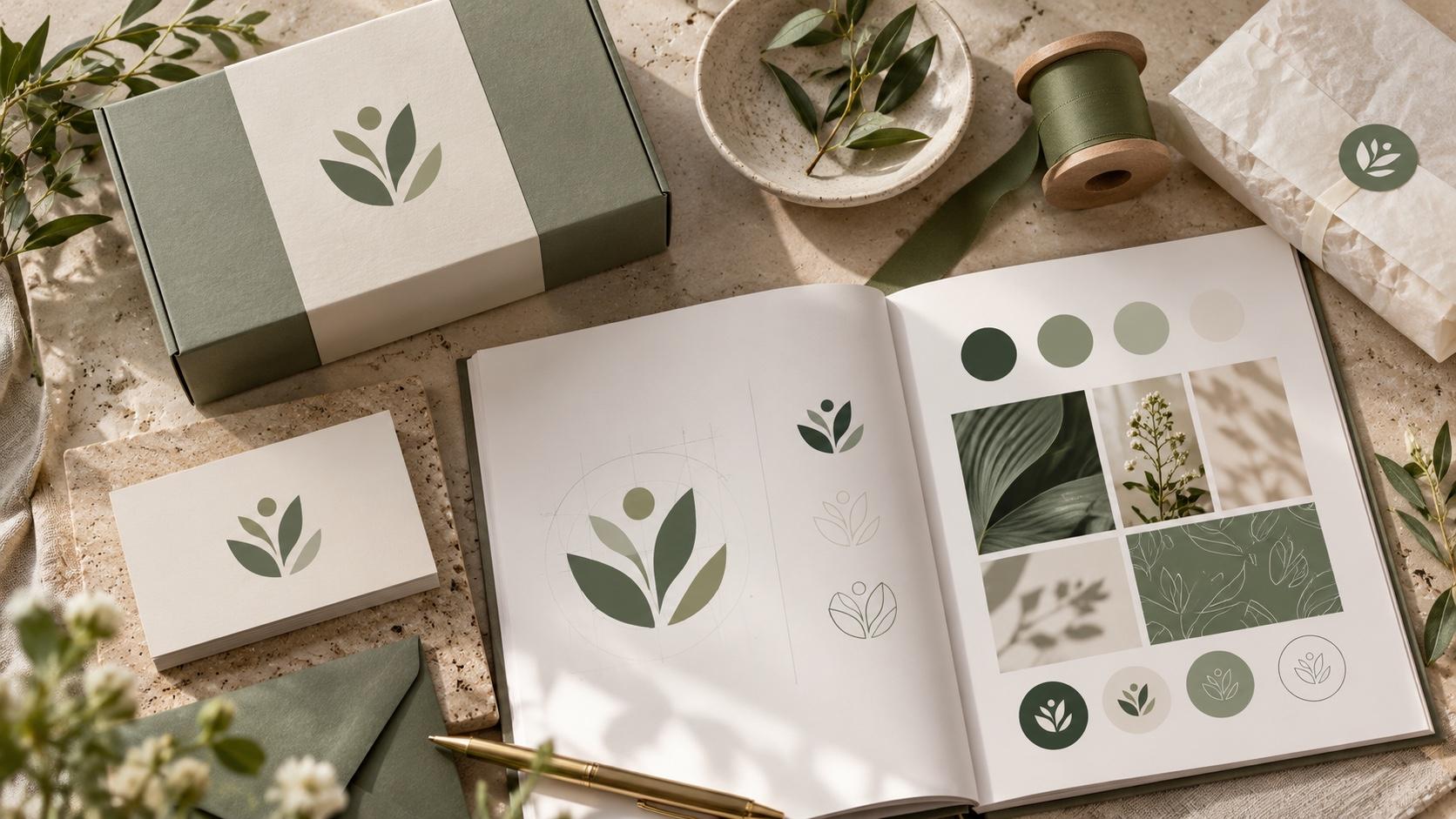
Once you have a direction you like, the next challenge is using it consistently. A logo on its own is only one part of the experience your customers see.
Use the Brand Identity Kit to explore practical logo variations, such as transparent backgrounds and formats suited to profile images. If you want to see the logo in context, try the AI Mockup Generator for ideas across packaging, signage, and other real-world touchpoints.
As your brand grows, a brand guideline can bring your logo, colors, typography, and brand story together so your team has a shared reference.
Frequently Asked Questions
Do I need a detailed prompt to generate a logo?
No. A brand name is enough to get started. A short description is optional and can help when the name does not explain what your business does.
Do I have to choose a logo style?
No. You can select styles yourself or leave them unselected and use “Surprise me” to explore automatically selected styles.
What if I am not sure which design is right?
Compare a few directions against your audience, legibility, and the places where the logo will appear. A promising idea can be a starting point for further refinement; it does not need to answer every branding question immediately.
Can I use the logo commercially?
Review the current product terms and applicable rights before using a design commercially. You should also independently check potential trademark conflicts for your business and market.
Your Brand Name Is Enough to Begin
You do not need to settle every design detail before seeing your first ideas. Start with your name, explore different directions, and use what you learn to make the next choice. Whether you have a clear vision or just a name and a blank page, uBrand gives you somewhere practical to start.